Positioning-Led Wardrobe & Craft Props
Translate your professional tone into layered wardrobe textures and real working tools instead of generic corporate poses.
Plan purposeful personal brand imagery built around real website layouts, and execute sharp solo self-portraits using live-view tethering and focus locking.
Founders, consultants, and independent creatives often shoot portraits without considering how web designers place headlines and buttons; they end up with tight vertical crops that break inside wide homepage banners, stiff folded-arm poses, and soft focus when working alone. In this course, we translate your positioning into cohesive wardrobe and real craft props, compose horizontal and vertical safe-zones cleanly, and build a repeatable solo self-portrait setup using smartphone live-view apps, stand-in focus targets, and interval bursts.
Start with a free online intro consultation for this course: we review the syllabus together, clarify how many sessions you need based on your goals and pace, and decide whether continuing Online ($69 CAD/hr) or In-Person ($99 CAD/hr) suits you best.
Prefer just the written framework instead of live sessions? A standalone $39 CAD PDF guide option can also be requested for this course: select the PDF option below.
Need on-location photography for your team, brand, or listing in Toronto & GTA? Explore our Toronto Photography Services, configure a shoot on Book Online, or see recent shoots on @tehranto.plus on Instagram.
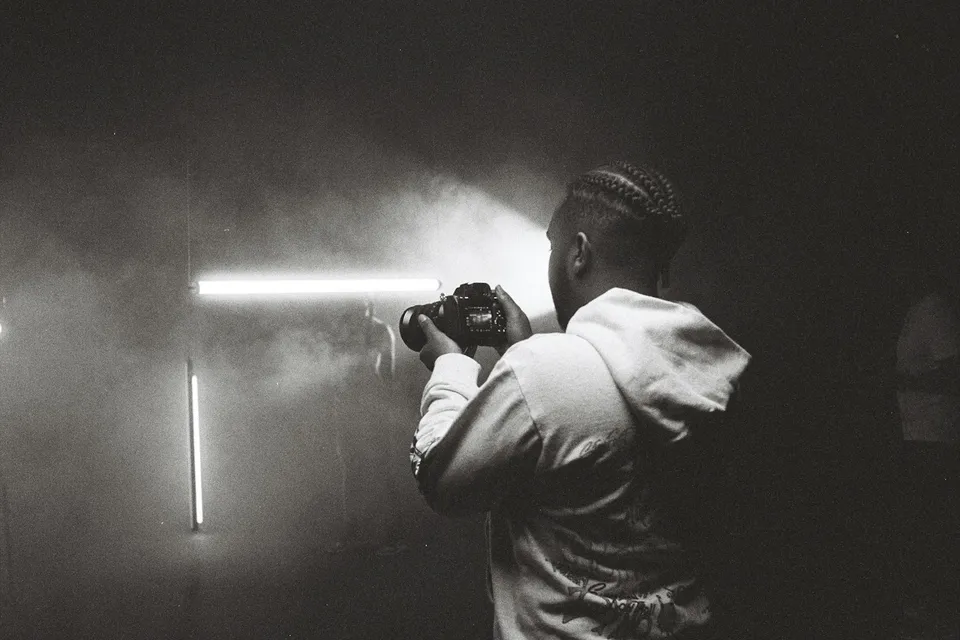
Every learner starts from a different background. These are the core capabilities this course develops, paced to your goals across the sessions we plan together.
Translate your professional tone into layered wardrobe textures and real working tools instead of generic corporate poses.
Compose wide horizontal banners with clean negative space for typography alongside vertical cover crops from the same lighting setup.
Pair camera remote apps with physical stand-in targets and continuous eye-detection AF so solo wide-aperture frames stay sharp.
Use interval bursts and active micro-movements to capture relaxed facial presence across a consistent multi-use image library.
Below are the main concepts and topics covered in this course. In your Free Online Intro Session, we align the exact depth and number of sessions to your experience and goals.
Auditing every visual slot across your website, press kit, and social profiles before touching the camera so every outfit and prop has a clear job.
Controlling perspective compression and framing margins in home offices or studios so designers can crop cleanly across desktop and mobile layouts.
Building a calm solo workflow where camera height, lighting ratios, focus plane, and remote triggering work reliably without a second operator.
Selecting frames that communicate quiet confidence, preserving genuine skin texture in post, and organizing exports by platform specification.
Core practical benchmarks and standards covered as part of this course's curriculum.
| Brand Placement | Common Amateur Flaw | Optical & Framing Approach | Practical Result |
|---|---|---|---|
| Website Hero Header | Tight center portrait leaving no room for headline copy | Wide 35–50mm horizontal frame with clean two-thirds negative space | Clear headline legibility across desktop and tablet screens |
| Profile & Press Headshot | Arm's-length wide-angle lens distorting nose and jawline | Eye-level 70–85mm compression paired with angled soft key light | Accurate facial proportions and calm professional presence |
| Working Process Feature | Stiff posed smile staring at the lens over an empty desk | Interval burst capturing active hands with real craft tools | Credible visual proof of how you work with clients |
| Vertical Video Cover | Head or chin clipped when feeds auto-crop 9:16 into 4:5 | Centering portrait action inside the shared 4:5 and 1:1 safe grid | Single cover portrait fits full-screen feeds and profile grids |
Choose a time for your Free Online Intro Session to map out your course path, or book an Online ($69/hr) or In-Person ($99/hr) session directly, or request the $39 CAD PDF guide option.
Yes. In your Free Online Intro Session, we review your website goals, current camera or phone setup, and preferred session plan. Whether you choose online coaching for your home workspace or hands-on studio training in Toronto, we dial in your exact live-view, focus-locking, and lighting workflow so you leave with real portraits and a repeatable solo system.
Every course begins with a Free Online Introductory Session where we review the core syllabus together, evaluate your current background and goals, and map out how many sessions you actually need and whether continuing Online ($69 CAD/hr) or In-Person ($99 CAD/hr) suits you best. Session count is never a rigid one-size-fits-all number; it adapts to your own level and pace.
There is zero upfront package commitment: live sessions are booked flexibly session-by-session ($69 CAD/hr online or $99 CAD/hr in-person). If you prefer a self-paced written guide instead of live coaching, a standalone $39 CAD PDF option can also be requested for this topic.
Your choice: every session with Iman Adlkhah can be conducted 100% in English, 100% in Persian (Farsi), or naturally bilingual with industry terminology.
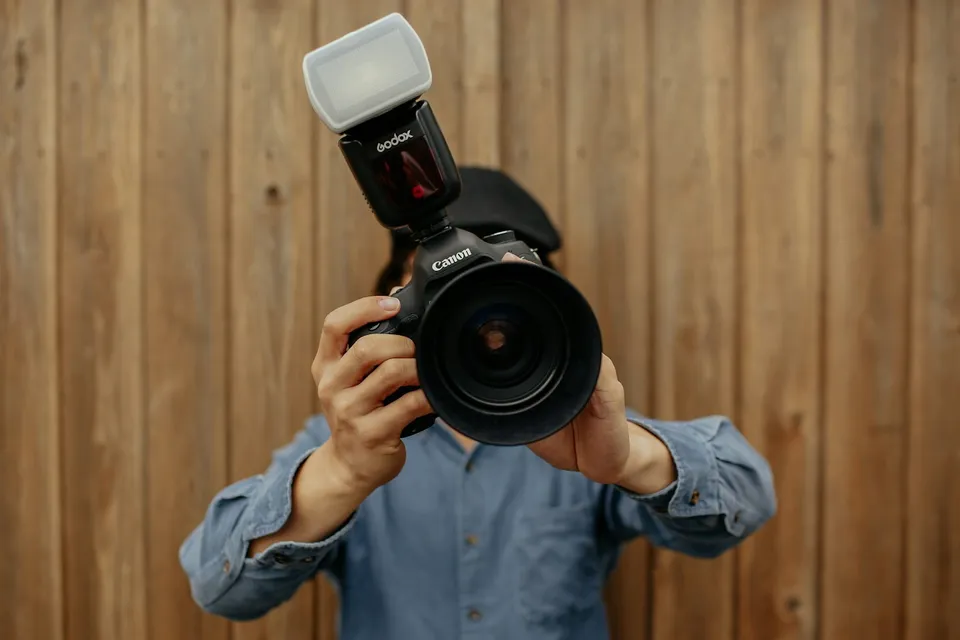
Master manual flash fractions, sync speed limits, High-Speed Sync outdoors, and color-gel balancing so you control light in any interior or midday sun.
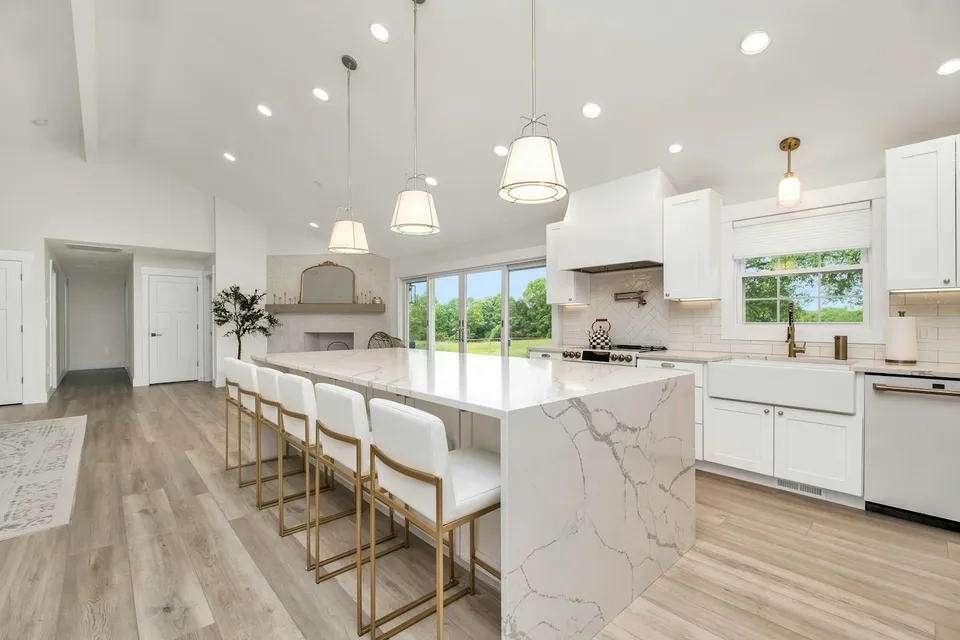
Keep architectural verticals plumb, hold clean exterior views through bright condo windows, and blend natural HDR and flash-ambient galleries.
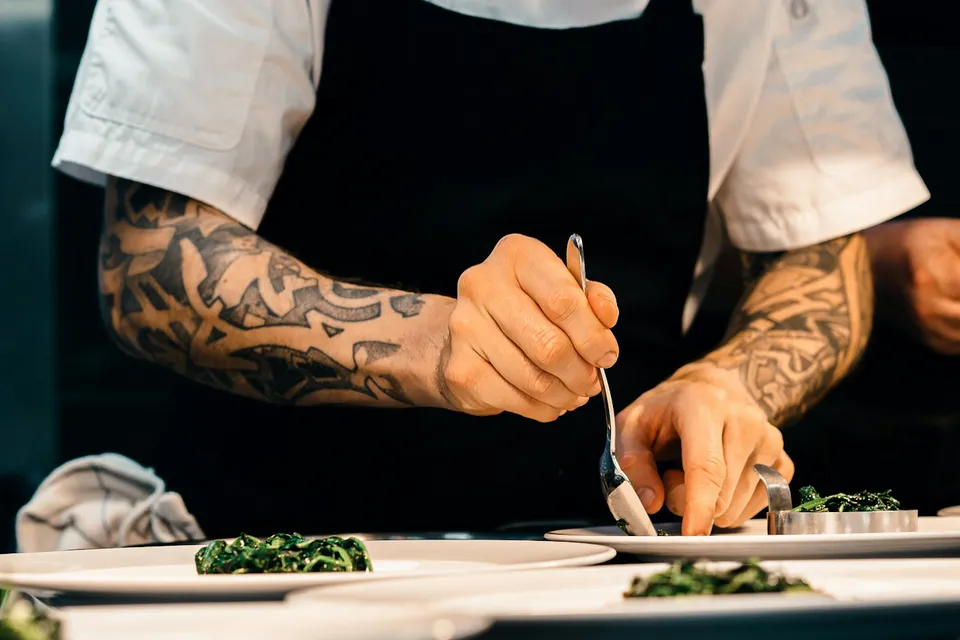
Shape appetizing back-side light on glazes and beverages, match camera angle to dish height, and eliminate yellow ceiling casts on location.