Non-Destructive Retouching Stack
Build organized PSD layer groups, smart masks, and check layers so original camera pixels stay intact through rounds of client revisions.
Remove complex studio and location distractions, expand horizontal frames into vertical ad layouts, and preserve true camera sharpness and grain for commercial delivery.
Running Generative Fill across a wide selection on a high-megapixel RAW photograph stretches a low-resolution patch over crisp optical detail, leaving soft smudges and mismatched noise that show immediately at full zoom. Commercial retouching requires optical discipline and clean file hygiene. In this course, we cover non-destructive layer architecture, when classic healing tools outperform generative patches, how to tile high-resolution frame expansions cleanly, and how to match sensor grain, depth-of-field blur, and tonal curves.
Start with a free online intro consultation for this course: we review the syllabus together, clarify how many sessions you need based on your goals and pace, and decide whether continuing Online ($69 CAD/hr) or In-Person ($99 CAD/hr) suits you best.
Prefer just the written framework instead of live sessions? A standalone $39 CAD PDF guide option can also be requested for this course: select the PDF option below.
Want our Toronto studio to build or produce this directly for your business? Explore Tehranto.Plus Custom Web Apps & AI Systems, Commercial Video Production, and recent studio work on @tehranto.plus on Instagram.
Every learner starts from a different background. These are the core capabilities this course develops, paced to your goals across the sessions we plan together.
Build organized PSD layer groups, smart masks, and check layers so original camera pixels stay intact through rounds of client revisions.
Extend tight portraits or product shots into vertical social covers and wide web headers with believable perspective and clean copy space.
Erase cables, street clutter, signage, glass reflections, and backdrop edges using quadrant tiling so `30MP–60MP` files stay crisp.
Reconstruct ISO luminance grain, optical blur falloff, and subtle color shifts so generated regions blend invisibly at `100%` magnification.
Below are the main concepts and topics covered in this course. In your Free Online Intro Session, we align the exact depth and number of sessions to your experience and goals.
Knowing when a brush stroke with Remove Tool or Clone Stamp beats generative synthesis, and structuring clean retouching files.
Solving real commercial headaches on architectural, portrait, and product shoots without warping straight lines or fabric detail.
Adapting a single master frame across `16:9` web heroes, `4:5` feed posts, and `9:16` vertical placements at full optical resolution.
Finishing retouched composites so they pass strict art-director inspection on calibrated monitors and large-format prints.
Core practical benchmarks and standards covered as part of this course's curriculum.
| Retouching Scenario | Typical Amateur Flaw | Studio Technique Taught | Final Image Standard |
|---|---|---|---|
| Wires, Outlets & Dust | Running Generative Fill on tiny spots and losing crispness | Remove Tool and non-destructive healing on blank layers | Native sensor resolution stays untouched |
| Large Obstruction on Brick/Glass | Wavy architectural lines and shifted patch brightness | Quadrant tiling, perspective guides, and Curves match | Clean geometry and invisible tonal join |
| Horizontal to `9:16` Banner | Stretched `1024px` blur across top and bottom thirds | Tiled Generative Expand paired with matched Camera Raw grain | Sharp headline space ready for 4K and print |
| Short Studio Paper Backdrop | Color banding stripes across smooth studio gradients | `16-bit` workflow, tonal masking, and fine noise dither | Smooth commercial studio floor-to-wall sweep |
Choose a time for your Free Online Intro Session to map out your course path, or book an Online ($69/hr) or In-Person ($99/hr) session directly, or request the $39 CAD PDF guide option.
Standard Generative Fill renders at a limited pixel grid and stretches that output if you select a wide region all at once on a high-megapixel file. By combining tiled selections, high-frequency grain matching, and non-destructive blending, your expansions retain crisp commercial density. You are encouraged to bring your own client RAWs or tricky edits, and in your Free Online Intro Session we tailor the course depth to your photography or design work.
Every course begins with a Free Online Introductory Session where we review the core syllabus together, evaluate your current background and goals, and map out how many sessions you actually need and whether continuing Online ($69 CAD/hr) or In-Person ($99 CAD/hr) suits you best. Session count is never a rigid one-size-fits-all number; it adapts to your own level and pace.
There is zero upfront package commitment: live sessions are booked flexibly session-by-session ($69 CAD/hr online or $99 CAD/hr in-person). If you prefer a self-paced written guide instead of live coaching, a standalone $39 CAD PDF option can also be requested for this topic.
Your choice: every session with Iman Adlkhah can be conducted 100% in English, 100% in Persian (Farsi), or naturally bilingual with industry terminology.
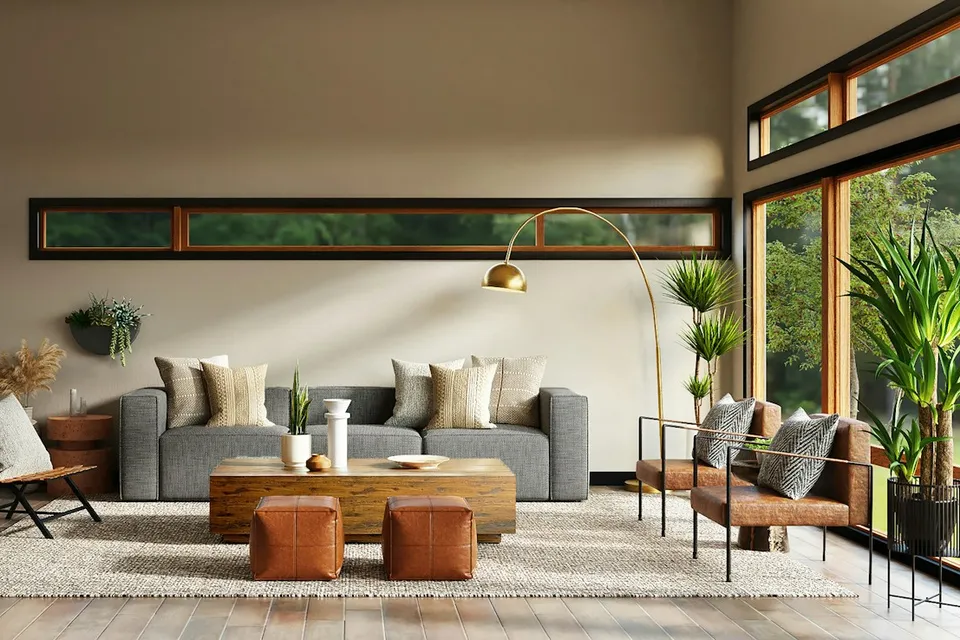
Create fact-checked bilingual listing copy, clear GTA market and rate video scripts, neighborhood comparison briefs, and structured client follow-up workflows.
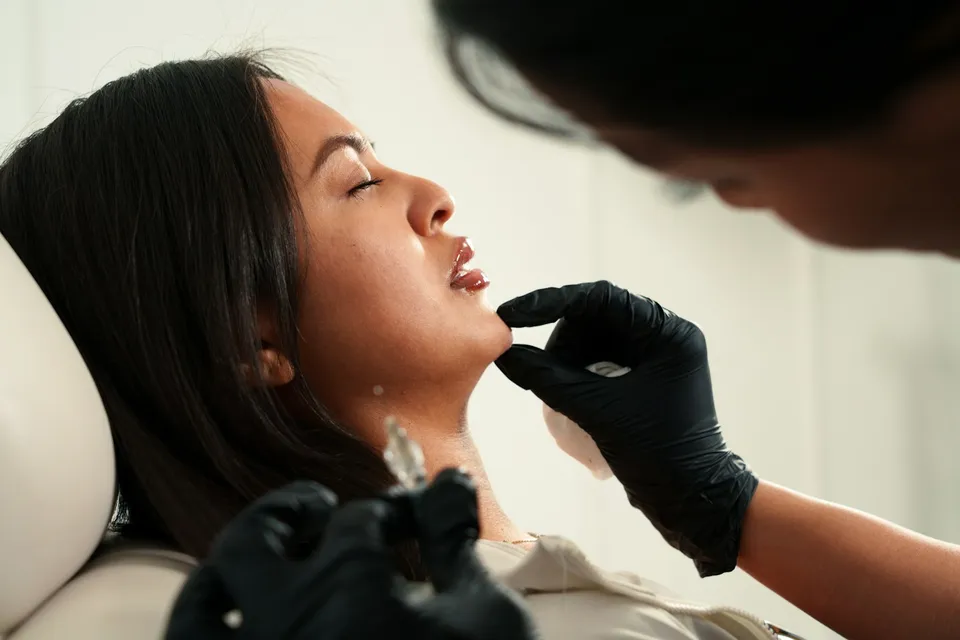
Build privacy-safe patient education scripts, clear bilingual preparation and aftercare guides, and warm front-desk communication workflows with zero patient data exposure.
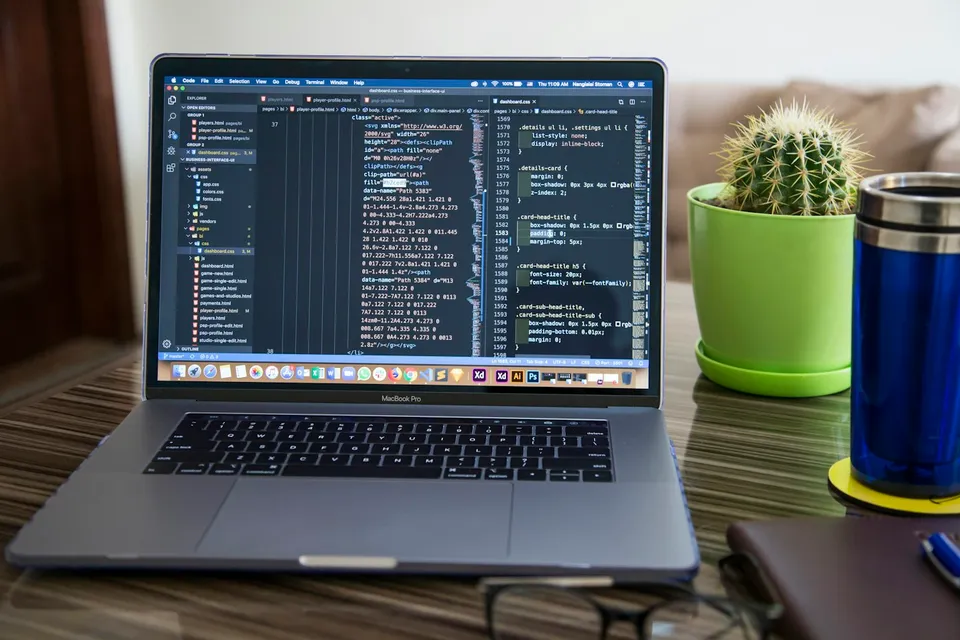
Plan clear page structure and copy first, guide an AI coding assistant step-by-step to build clean HTML and CSS, verify mobile and RTL layouts, and deploy live on your own domain.