10-Bit 4:2:2 Color Subsampling Precision
Compare 8-bit 4:2:0 against 10-bit 4:2:2 files side by side on a studio monitor to see why doubled horizontal color data keeps fine hair strands intact.
Eliminate frizzy green hair halos and chattering edges by lighting flat 50 IRE backdrops in 10-bit 4:2:2 and pulling natural multi-pass composites.
Poor green screen work gives itself away on the very first frame, usually because the speaker sat half a meter from a wrinkled cloth lit by the exact same softbox lighting their face. That single shortcut creates dark backdrop corners, radioactive green bounce under the chin, and jagged 4:2:0 edges that chew through curly hair. This course teaches repeatable studio chroma discipline from objective False Color backdrop calibration to two-pass keying and realistic background light wrap.
Start with a free online intro consultation for this course: we review the syllabus together, clarify how many sessions you need based on your goals and pace, and decide whether continuing Online ($69 CAD/hr) or In-Person ($99 CAD/hr) suits you best.
Looking for a turnkey production crew in Toronto instead of 1-on-1 training? See our Toronto Video Production Packages, Special Studio Bundles, and recent Reels on @tehranto.plus on Instagram.
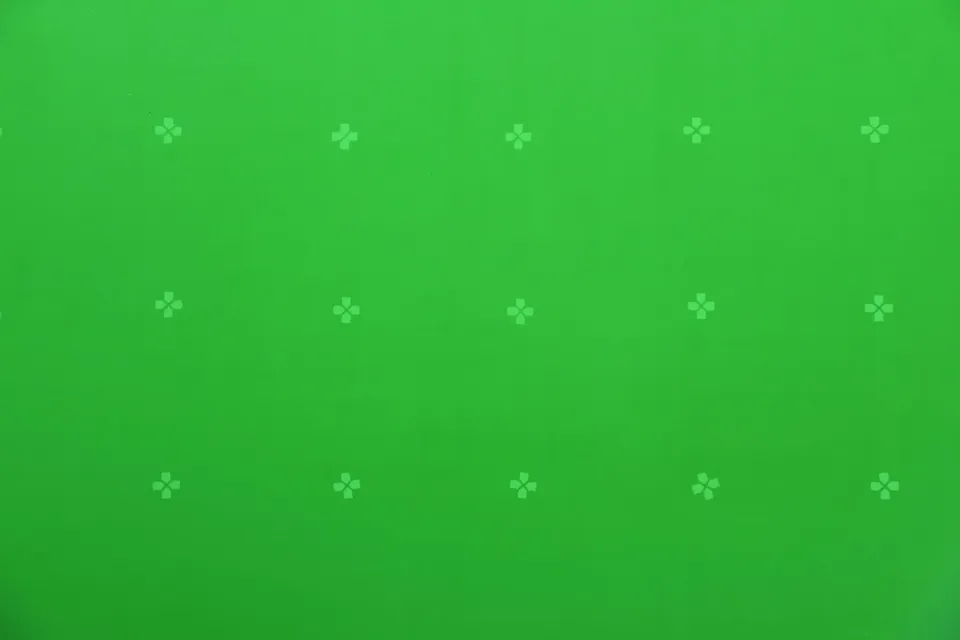
Every learner starts from a different background. These are the core capabilities this course develops, paced to your goals across the sessions we plan together.
Compare 8-bit 4:2:0 against 10-bit 4:2:2 files side by side on a studio monitor to see why doubled horizontal color data keeps fine hair strands intact.
Light collapsible, paper, or cyclorama green screens symmetrically from the sides until False Color displays one solid exposure band edge to edge.
Create separation between backdrop and speaker, lay dark floor duvetyne, and shape subtle hair rim light so green bounce disappears before post.
Match camera focal length, lens height, and key-light direction to your target virtual plate, finishing edges with subtle optical light wrap and grain.
Below are the main concepts and topics covered in this course. In your Free Online Intro Session, we align the exact depth and number of sessions to your experience and goals.
Setting up wrinkle-free chroma surfaces and dialing pure, flat green saturation before switching on a single subject fixture.
Lighting curly hair, blonde strands, reflective eyeglasses, and dark suits cleanly in front of an active chroma backdrop.
Choosing background plates ahead of the shoot so horizon line, window direction, and depth of field feel physically believable.
Pulling transparent keys in DaVinci Resolve 3D/Delta Keyer, After Effects Keylight, and Premiere Ultra Key without plastic-looking skin.
Core practical benchmarks and standards covered as part of this course's curriculum.
| Technical Variable | Common Amateur Flaw | Studio Chroma Standard | Composite Impact |
|---|---|---|---|
| Color Sampling & Bit Depth | Compressed 8-bit 4:2:0 recording | 10-bit 4:2:2 internal or ProRes at base ISO | Clean individual hair strands without stair-stepping |
| Backdrop Luminance | Uneven 25–80 IRE hotspots and corner shadows | Flat 48–55 IRE verified on False Color | Single-range chroma selection without noisy holes |
| Talent-to-Screen Distance | Standing 40–60cm directly against the cloth | 2.0m–3.0m separation (or dimmed 42 IRE compact setup) | Zero body shadows on screen and clean shoulder edges |
| Edge Integration | Hard cutout pasted onto a mismatched sharp photo | Soft edge matte, optical blur, and 2–4px light wrap | Natural depth that reads like a real room shoot |
Choose a time for your Free Online Intro Session to map out your course path, or book an Online ($69/hr) or In-Person ($99/hr) session directly.
Small rooms are very common for course creators and specialists. During the Free Online Intro Session we review your room dimensions, and in the course we practice the compact-room formula: lowering backdrop exposure slightly to 42 IRE, hanging negative black flags on the sides, and adding a gridded rim light to neutralize close-wall bounce.
Every course begins with a Free Online Introductory Session where we review the core syllabus together, evaluate your current background and goals, and map out how many sessions you actually need and whether continuing Online ($69 CAD/hr) or In-Person ($99 CAD/hr) suits you best. Session count is never a rigid one-size-fits-all number; it adapts to your own level and pace.
Never. There is zero upfront package commitment: once your free online intro session maps out your path, any coaching sessions you choose ($69 CAD/hr online or $99 CAD/hr in-person) are scheduled flexibly session-by-session at your own pace.
Your choice: every session with Iman Adlkhah can be conducted 100% in English, 100% in Persian (Farsi), or naturally bilingual with industry terminology.
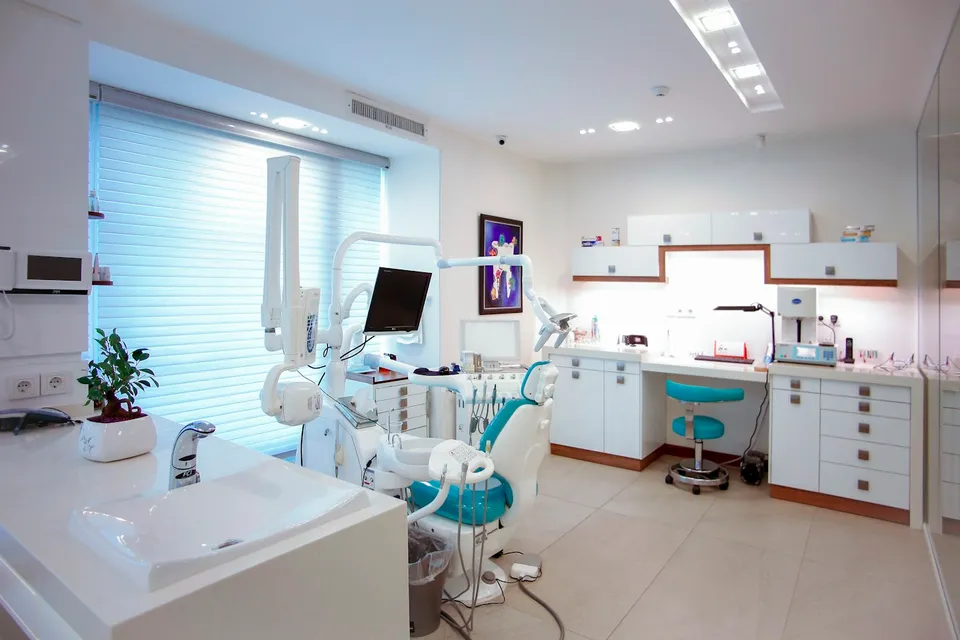
Produce reassuring, color-accurate healthcare and aesthetic clinic videos with soft high-key lighting, clean skin rendering around white walls, strict patient privacy protocols, and calm practitioner interviews.
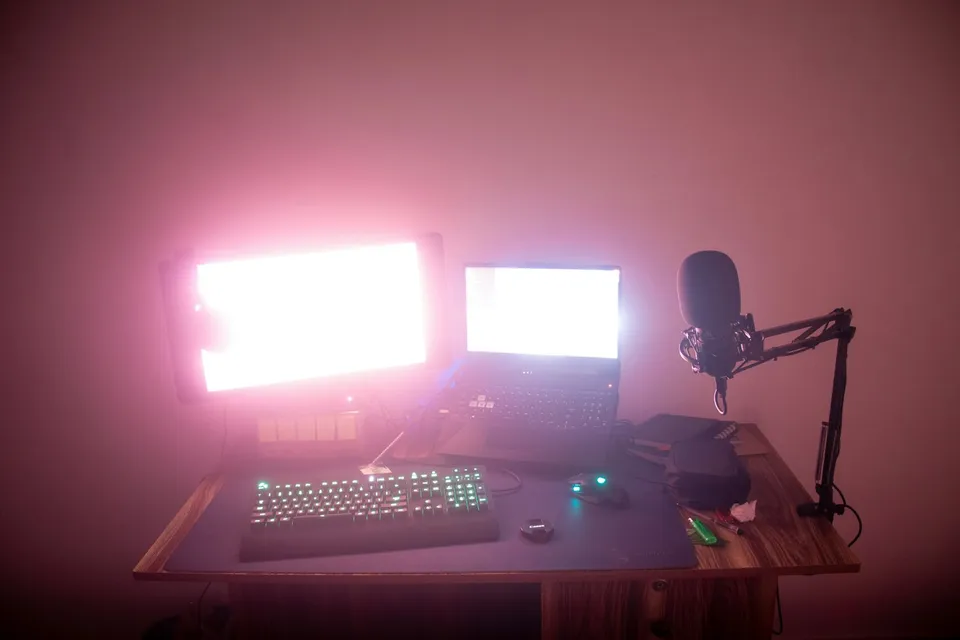
Design a clutter-free, permanently mounted home office studio with optical room depth, overhead arm rigging for camera, light, and audio, controlled acoustics, and repeatable color and exposure.
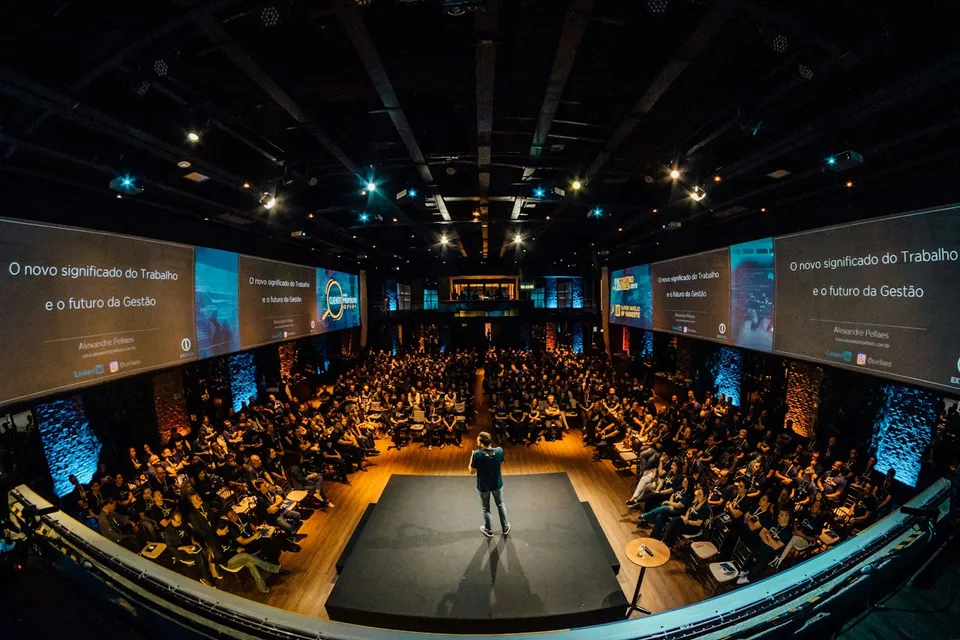
Capture authentic room energy, clean soundboard speeches, and candid guest reactions in dim Toronto venues with a repeatable run-and-gun workflow.