Zero-Scan Optical Distance & Margin Math
Pair a 50mm–85mm focal length at 2.2–3.5 meters with a narrow 3-to-5-word center column so your pupils remain steady on the lens axis.
Eliminate left-to-right eye scanning and stiff robotic phrasing through proper lens-to-glass geometry, narrow script columns, and conversational delivery.
Founders, physicians, lawyers, and educators turn to teleprompters to record substantial educational videos without spending days memorizing lines, yet viewers spot an amateur prompter setup right away: eyes darting horizontally like windshield wipers and flat, breathless essay sentences. Both problems stem from optical placement and written-vs-spoken formatting, and both are completely solvable. In this course, we dial in exact focal-length distance, narrow centered text margins, and vocal pacing tailored to your speaking style.
Start with a free online intro consultation for this course: we review the syllabus together, clarify how many sessions you need based on your goals and pace, and decide whether continuing Online ($69 CAD/hr) or In-Person ($99 CAD/hr) suits you best.
Prefer just the written framework instead of live sessions? A standalone $39 CAD PDF guide option can also be requested for this course: select the PDF option below.
Looking for a turnkey production crew in Toronto instead of 1-on-1 training? See our Toronto Video Production Packages, Special Studio Bundles, and recent Reels on @tehranto.plus on Instagram.
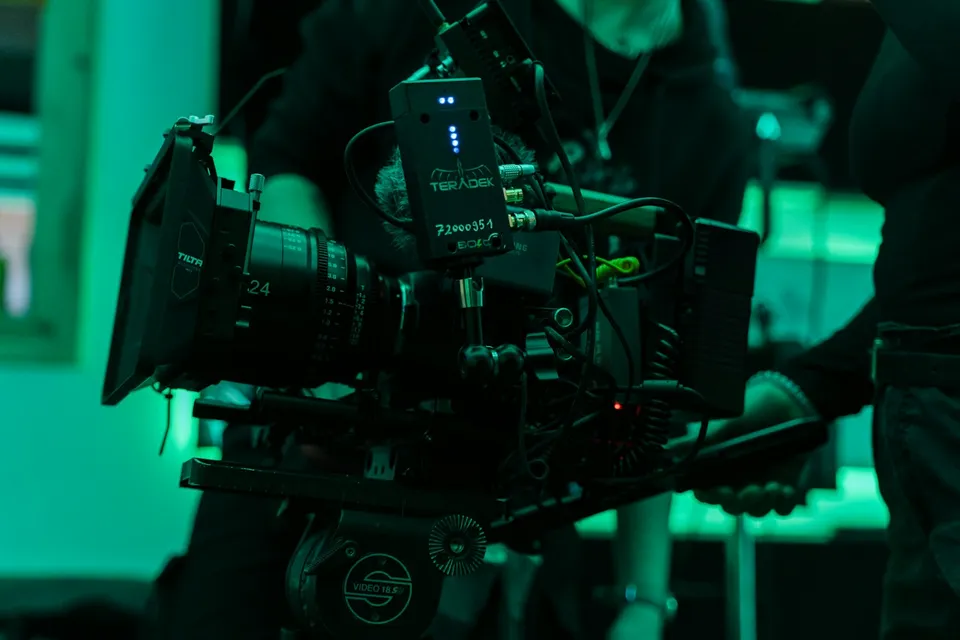
Every learner starts from a different background. These are the core capabilities this course develops, paced to your goals across the sessions we plan together.
Pair a 50mm–85mm focal length at 2.2–3.5 meters with a narrow 3-to-5-word center column so your pupils remain steady on the lens axis.
Convert stiff written paragraphs into short spoken breath groups marked with pause beats, vocal emphasis, and natural transition cues.
Seal the black camera shroud tightly behind 70/30 or 60/40 beam-splitter glass so zero room reflections or lens rings ghost into your shot.
Configure voice-following scroll apps or silent Bluetooth ring/foot controllers so the text waits when you pause or ad-lib an example.
Below are the main concepts and topics covered in this course. In your Free Online Intro Session, we align the exact depth and number of sessions to your experience and goals.
Rigging tablet beam-splitters or dedicated studio prompters at true eye level while protecting contrast and sharpness.
Reformatting real professional scripts into vertical breath lines and setting clean, legible RTL Persian and LTR English layouts.
Practicing live reads on camera until stiffness melts away and your delivery feels warm, unhurried, and completely unscripted.
Running calm multi-episode recording blocks, clean pick-up retakes, and direct-eyeline video calls using desktop prompter displays.
Core practical benchmarks and standards covered as part of this course's curriculum.
| Setup Parameter | Obvious Reading Flaw | Invisible Studio Standard | On-Screen Result |
|---|---|---|---|
| Lens & Camera Distance | Under 1 meter on a wide 24mm lens | 2.2m–3.5m away on a 50mm–85mm lens | Subtle angular eye shift vanishes completely |
| Column Margin Width | Full-width 10–14 words across the tablet screen | Centered narrow margin holding 3–5 words per line | Vertical reading flow with steady central gaze |
| Scroll Control Method | Fixed fast linear timer forcing rushed speech | Voice-tracking scroll or silent Bluetooth ring/foot pedal | Relaxed pauses and natural vocal inflection |
| Reading Line Placement | Reading at the bottom or top edge of the glass | Locked on the exact optical center of the lens barrel | Direct, trustworthy eye contact with the viewer |
Choose a time for your Free Online Intro Session to map out your course path, or book an Online ($69/hr) or In-Person ($99/hr) session directly, or request the $39 CAD PDF guide option.
Many generic prompter apps scramble Persian punctuation or reverse English technical terms inside Persian lines. In this course, we test reliable RTL-friendly apps (such as PromptSmart Pro for voice-following scroll and Elgato Camera Hub / Teleprompter Pro setups) directly on your own bilingual scripts, and during the Free Online Intro Session we help you pick hardware suited to your camera or desk.
Every course begins with a Free Online Introductory Session where we review the core syllabus together, evaluate your current background and goals, and map out how many sessions you actually need and whether continuing Online ($69 CAD/hr) or In-Person ($99 CAD/hr) suits you best. Session count is never a rigid one-size-fits-all number; it adapts to your own level and pace.
There is zero upfront package commitment: live sessions are booked flexibly session-by-session ($69 CAD/hr online or $99 CAD/hr in-person). If you prefer a self-paced written guide instead of live coaching, a standalone $39 CAD PDF option can also be requested for this topic.
Your choice: every session with Iman Adlkhah can be conducted 100% in English, 100% in Persian (Farsi), or naturally bilingual with industry terminology.
Eliminate frizzy green hair halos and chattering edges by lighting flat 50 IRE backdrops in 10-bit 4:2:2 and pulling natural multi-pass composites.
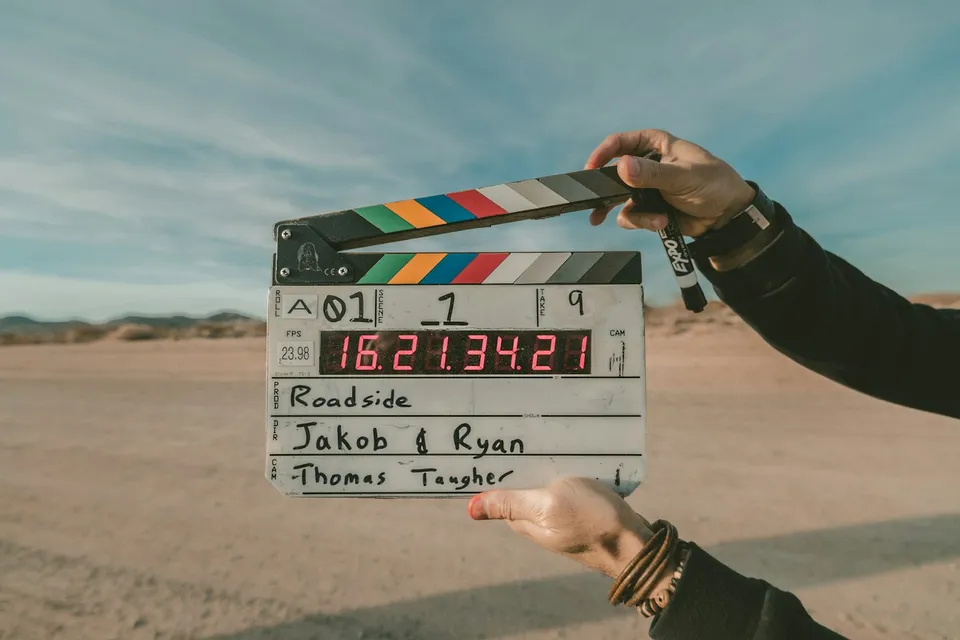
Plan commercial and short narrative shoots with clear visual briefs, edit-order vs shoot-order lists, overhead diagrams, and calm set schedules.
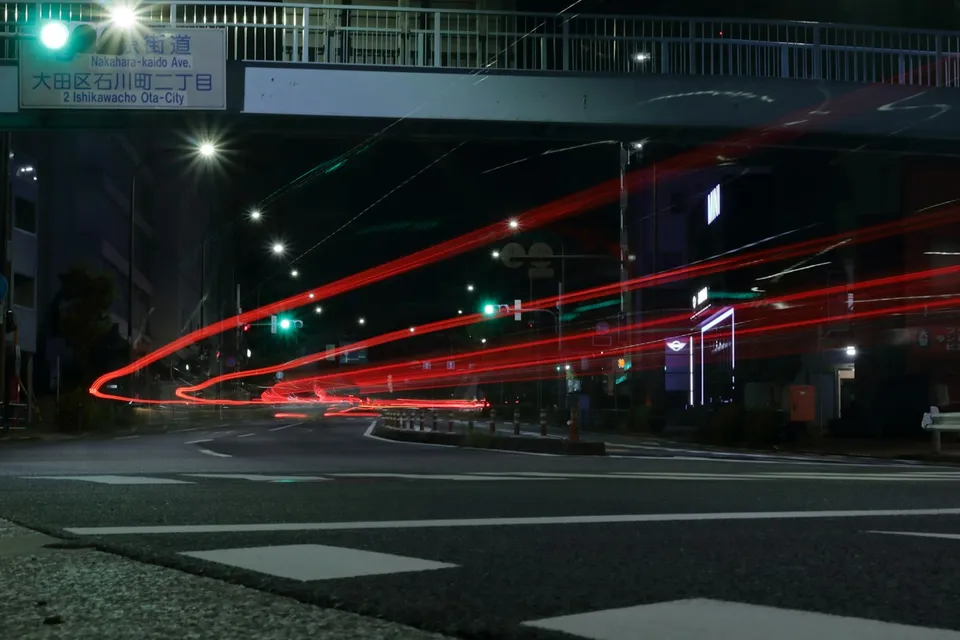
Replace overused drag-and-drop glitch presets with physical whip pans, graphic match cuts, foreground wipes, and frame-accurate timeline stitching.