Soul ID Dataset Curation & Identity Lock
Select balanced multi-angle portraits with clean lighting so recurring talent holds facial structure across varied scenes and focal lengths.
Pair clean anchor frames, Soul ID character continuity, and motivated camera movement in Higgsfield Cinema Studio without falling into gimmicky visual effects.
Having dozens of flashy camera presets tempts many creators into slapping crash-zooms and wild orbits onto every clip until the piece feels exhausting. Real commercial polish comes from restraint and spatial preparation. When an input frame lacks composition headroom or conflicts with the chosen lens path, backgrounds warp and faces drift. In this course, we build reliable Soul ID character datasets, compose anchor stills with clear spatial depth, choose between subtle handheld presence and bold motion, and cut cohesive sequences.
Start with a free online intro consultation for this course: we review the syllabus together, clarify how many sessions you need based on your goals and pace, and decide whether continuing Online ($69 CAD/hr) or In-Person ($99 CAD/hr) suits you best.
Prefer just the written framework instead of live sessions? A standalone $39 CAD PDF guide option can also be requested for this course: select the PDF option below.
Want our Toronto studio to build or produce this directly for your business? Explore Tehranto.Plus Custom Web Apps & AI Systems, Commercial Video Production, and recent studio work on @tehranto.plus on Instagram.
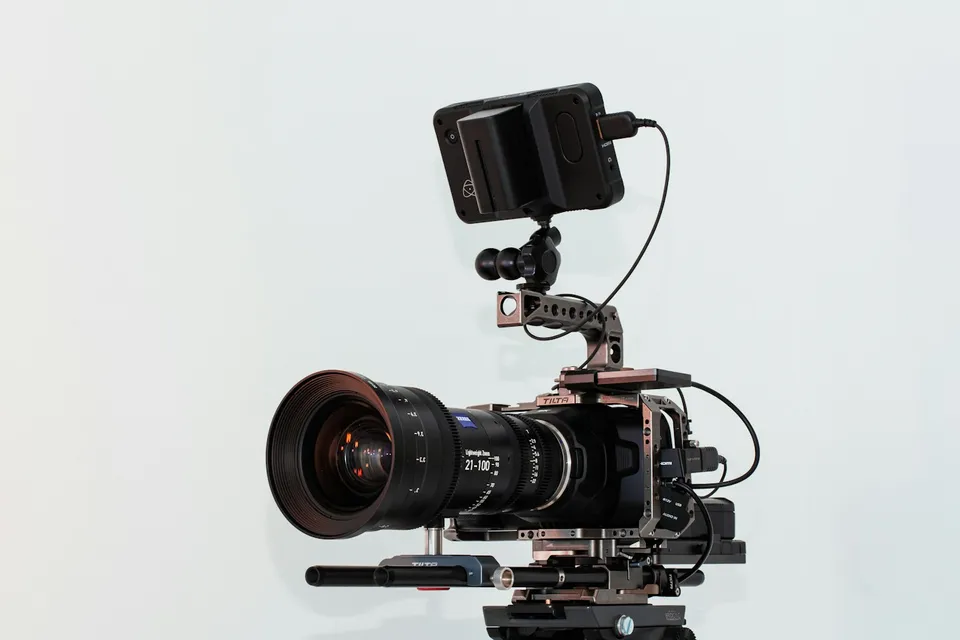
Every learner starts from a different background. These are the core capabilities this course develops, paced to your goals across the sessions we plan together.
Select balanced multi-angle portraits with clean lighting so recurring talent holds facial structure across varied scenes and focal lengths.
Compose input stills with foreground separation, clean background edges, and breathing room that supports camera travel without border stretching.
Know when subtle handheld drift or a gentle push-in serves the brand far better than aggressive crash-zooms or spinning orbits.
Cut into and out of generated motion at peak momentum, match color grain, and weave Cinema Studio shots cleanly into live-action timelines.
Below are the main concepts and topics covered in this course. In your Free Online Intro Session, we align the exact depth and number of sessions to your experience and goals.
Building a dependable character profile by controlling angle variety, expression neutrality, and consistent lighting in your training stills.
Preparing still frames specifically for camera travel and dialing focal length, depth of field, and light contrast before applying motion.
Matching camera behavior to brand positioning instead of stacking conflicting presets that fight the subject's natural motion.
Turning isolated generated clips into a cohesive commercial sequence through disciplined trimming, sound perspective, and color unification.
Core practical benchmarks and standards covered as part of this course's curriculum.
| Camera Movement | Required Anchor Frame | Appropriate Brand Context | Mistake to Avoid |
|---|---|---|---|
| Subtle Push / Handheld | Balanced medium portrait with depth | Architecture, clinics, founder stories, luxury goods | Stacking loud action prompts onto calm frames |
| Arc / Orbit Move | Centered hero subject with clear 3D room | Product reveals, automotive, tailored fashion | Busy shelves or readable text right behind subject |
| Crash Zoom | Wide environmental full-body composition | Energetic campaign openers and street culture | Starting from a tight close-up or repeating back-to-back |
| Dolly Zoom | Clean chest-up frame with deep corridor or street | Psychological tension or dramatic problem statement | Combining with fast lateral subject running |
Choose a time for your Free Online Intro Session to map out your course path, or book an Online ($69/hr) or In-Person ($99/hr) session directly, or request the $39 CAD PDF guide option.
Both workflows work depending on the brief, though many strong client spots use Higgsfield selectively for stylized transitions, visual metaphors, or B-roll inserts alongside real camera footage. In your Free Online Intro Session, we review your creative niche and editing software so we can tailor this course to your production style.
Every course begins with a Free Online Introductory Session where we review the core syllabus together, evaluate your current background and goals, and map out how many sessions you actually need and whether continuing Online ($69 CAD/hr) or In-Person ($99 CAD/hr) suits you best. Session count is never a rigid one-size-fits-all number; it adapts to your own level and pace.
There is zero upfront package commitment: live sessions are booked flexibly session-by-session ($69 CAD/hr online or $99 CAD/hr in-person). If you prefer a self-paced written guide instead of live coaching, a standalone $39 CAD PDF option can also be requested for this topic.
Your choice: every session with Iman Adlkhah can be conducted 100% in English, 100% in Persian (Farsi), or naturally bilingual with industry terminology.
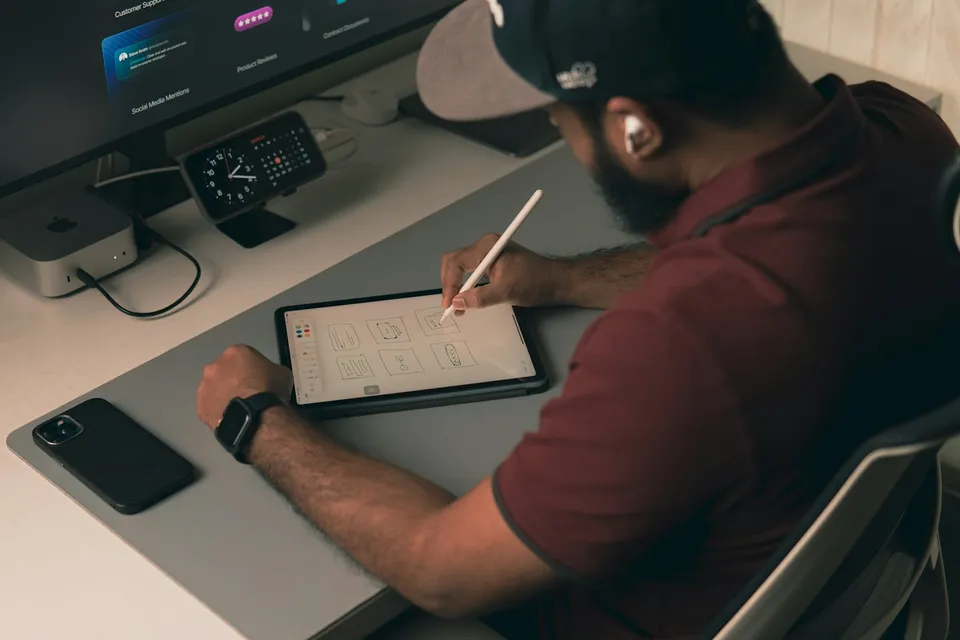
Remove complex studio and location distractions, expand horizontal frames into vertical ad layouts, and preserve true camera sharpness and grain for commercial delivery.
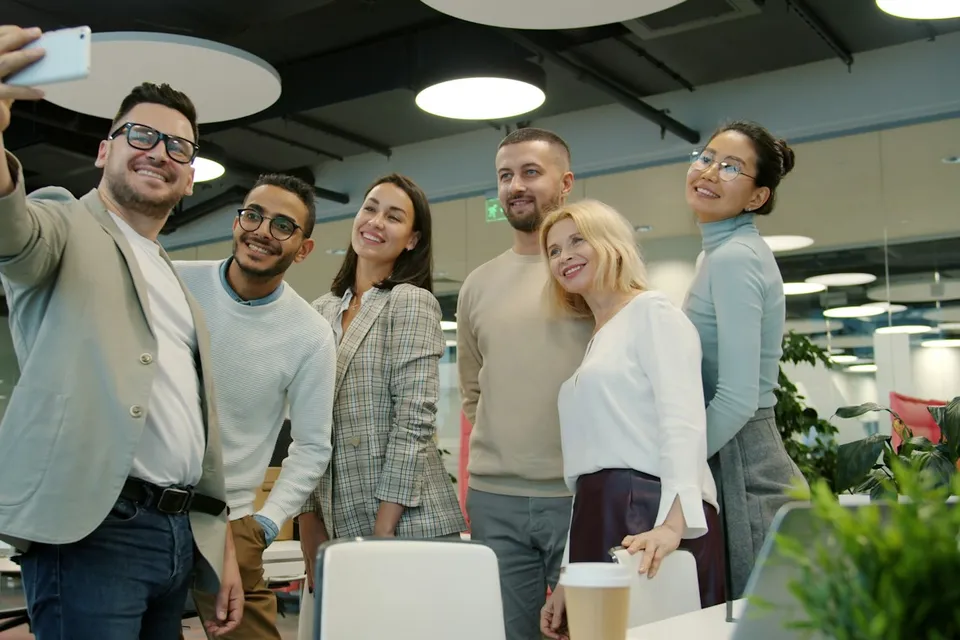
Map distinct buyer-awareness angles, produce modular video and static hook variations from a single shoot, and evaluate creative performance methodically inside Meta Ads.
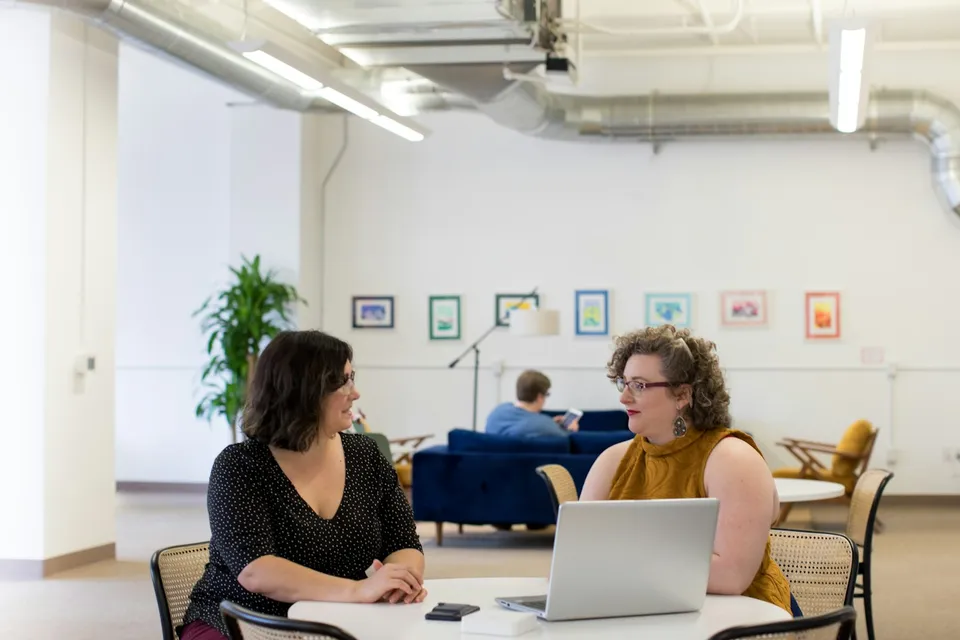
Build calm, clear daily habits for framing requests, critiquing rough drafts, analyzing long documents, and protecting private data in modern AI assistants.