Proper Smartphone Sensor & Color Setup
Lock constant frame rates, tame aggressive HDR over-brightening, use rear optical lenses properly, and lock manual exposure and focus.
Turn the phone in your pocket into a reliable business video camera through proper sensor settings, flattering lighting, clean wireless sound, and clear short-form storytelling.
Modern smartphones carry impressive camera sensors, yet most business Reels still look amateur because of variable frame-rate drops, harsh HDR skin processing, wide-angle selfie distortion, echoey room mics, and unfocused intros. In this hands-on iPhone video reels workshop in Toronto and online, we fix the technical pipeline of smartphone video from capture to upload and pair it with practical on-camera framing, natural lighting, and structured business messaging.
Start with a free online intro consultation for this course: we review the syllabus together, clarify how many sessions you need based on your goals and pace, and decide whether continuing Online ($69 CAD/hr) or In-Person ($99 CAD/hr) suits you best.
Prefer just the written framework instead of live sessions? A standalone $39 CAD PDF guide option can also be requested for this course: select the PDF option below.
Looking for a turnkey production crew in Toronto instead of 1-on-1 training? See our Toronto Video Production Packages, Special Studio Bundles, and recent Reels on @tehranto.plus on Instagram.
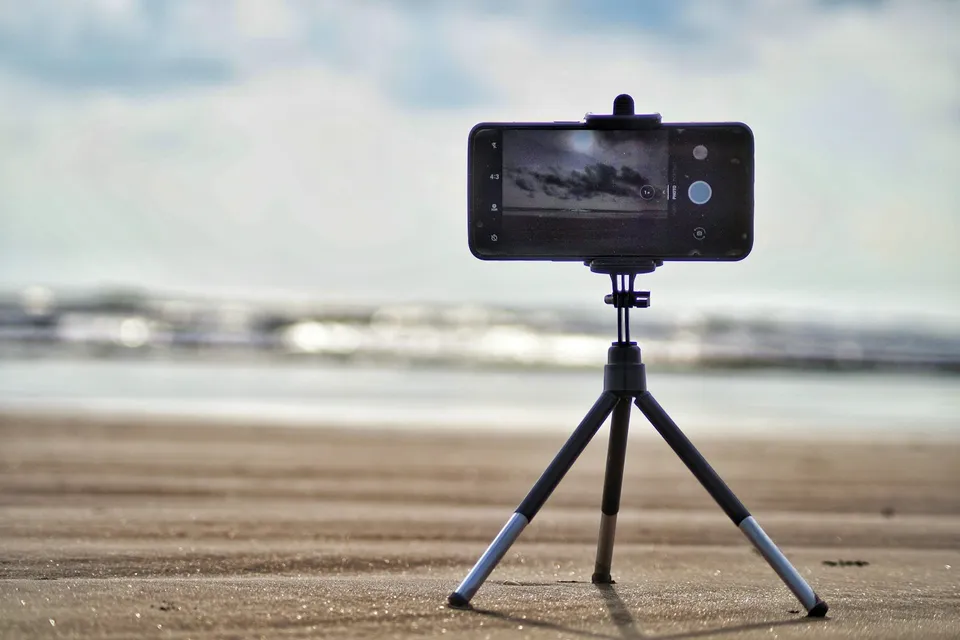
Every learner starts from a different background. These are the core capabilities this course develops, paced to your goals across the sessions we plan together.
Lock constant frame rates, tame aggressive HDR over-brightening, use rear optical lenses properly, and lock manual exposure and focus.
Position yourself relative to windows and room depth so skin tones look clean and eyes stay bright without expensive studio rigs.
Connect compact USB-C/wireless microphones cleanly and compose 9:16 frames that respect Instagram and YouTube Shorts interface safe zones.
Open videos with clear client problems, film line-by-line without memorizing long scripts, and capture matching B-roll efficiently.
Below are the main concepts and topics covered in this course. In your Free Online Intro Session, we align the exact depth and number of sessions to your experience and goals.
Configuring iPhone or flagship Android camera menus (plus optional manual camera apps) so footage stays sharp and natural.
Building a repeatable smartphone filming corner in your real workspace with clean directional light and broadcast-clear voice capture.
Structuring concise educational or service Reels that earn viewer trust and filming smooth hands-on B-roll on your phone.
Assembling tight cuts, styling understated brand captions, and configuring export and platform upload toggles properly.
Core practical benchmarks and standards covered as part of this course's curriculum.
| Production Element | Common Phone Mistake | Recommended Standard | Impact on Viewer Trust |
|---|---|---|---|
| Color & Dynamic Range | Default HDR making skin glow unnaturally on Instagram feeds | Standard SDR capture with locked exposure and subtle -0.3 EV pull | Natural skin tones across every phone screen |
| Lens & Perspective | Holding the front selfie camera or 0.5x ultra-wide close to the face | Mounting the phone at eye level using the rear 1x or 2x lens | Balanced facial proportions and cleaner optics |
| Spoken Audio | Recording from the built-in phone mic two meters away in an echoey room | Direct USB-C wireless mic placed cleanly near the collar | Crisp, intimate voice presence right away |
| Message Structure | Rambling introductions before stating what the video is about | Specific opening problem, concise proof, and one clear next step | Stronger watch completion and relevant inquiries |
Choose a time for your Free Online Intro Session to map out your course path, or book an Online ($69/hr) or In-Person ($99/hr) session directly, or request the $39 CAD PDF guide option.
It works across iPhone as well as flagship Samsung Galaxy and Google Pixel devices. While we cover platform-specific camera toggles for your exact phone model, the core principles of optical lens choice, exposure locking, window lighting, wireless audio, and short-form pacing apply identically.
Every course begins with a Free Online Introductory Session where we review the core syllabus together, evaluate your current background and goals, and map out how many sessions you actually need and whether continuing Online ($69 CAD/hr) or In-Person ($99 CAD/hr) suits you best. Session count is never a rigid one-size-fits-all number; it adapts to your own level and pace.
There is zero upfront package commitment: live sessions are booked flexibly session-by-session ($69 CAD/hr online or $99 CAD/hr in-person). If you prefer a self-paced written guide instead of live coaching, a standalone $39 CAD PDF option can also be requested for this topic.
Your choice: every session with Iman Adlkhah can be conducted 100% in English, 100% in Persian (Farsi), or naturally bilingual with industry terminology.
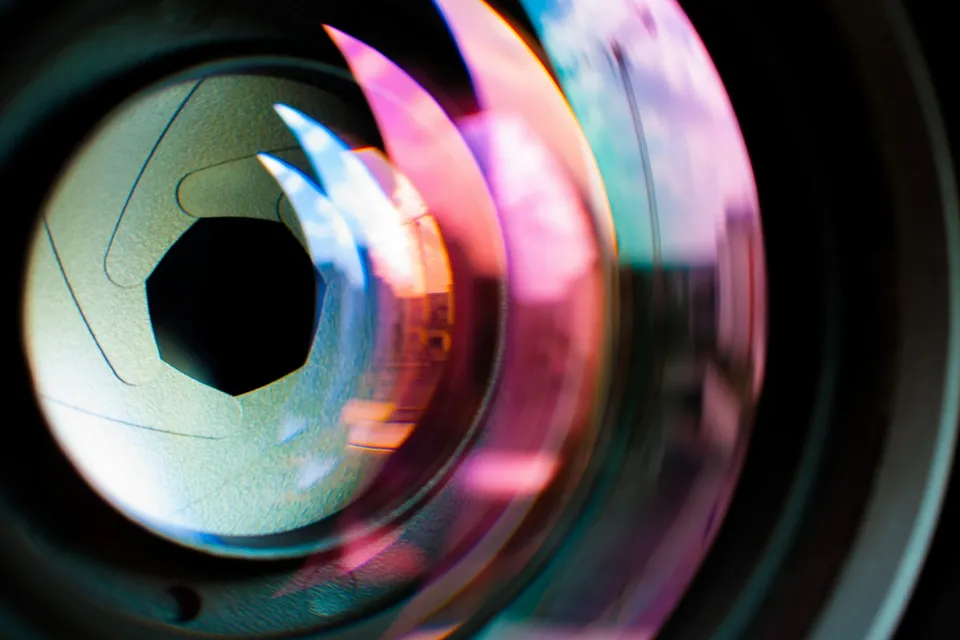
Master repeatable manual focus pulling on cinema primes and linear-configured mirrorless lenses through spatial distance estimation, witness marks, velocity matching, and story-motivated focus control.
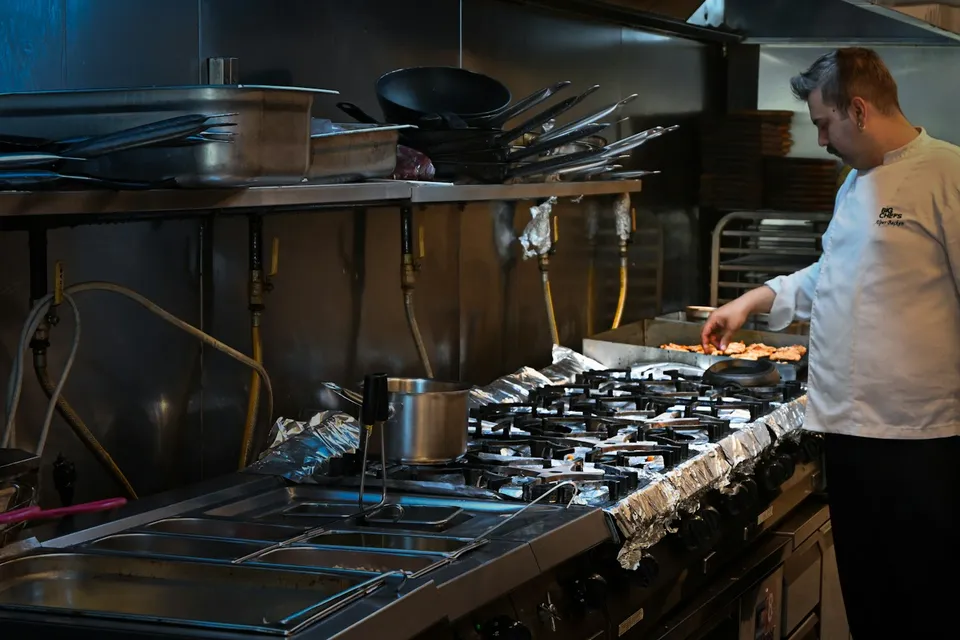
Film appetizing culinary commercials using directional back-and-side lighting for steam and glaze, macro high-frame-rate plating timing, crisp kitchen sound capture, and unobtrusive prep-line workflows.
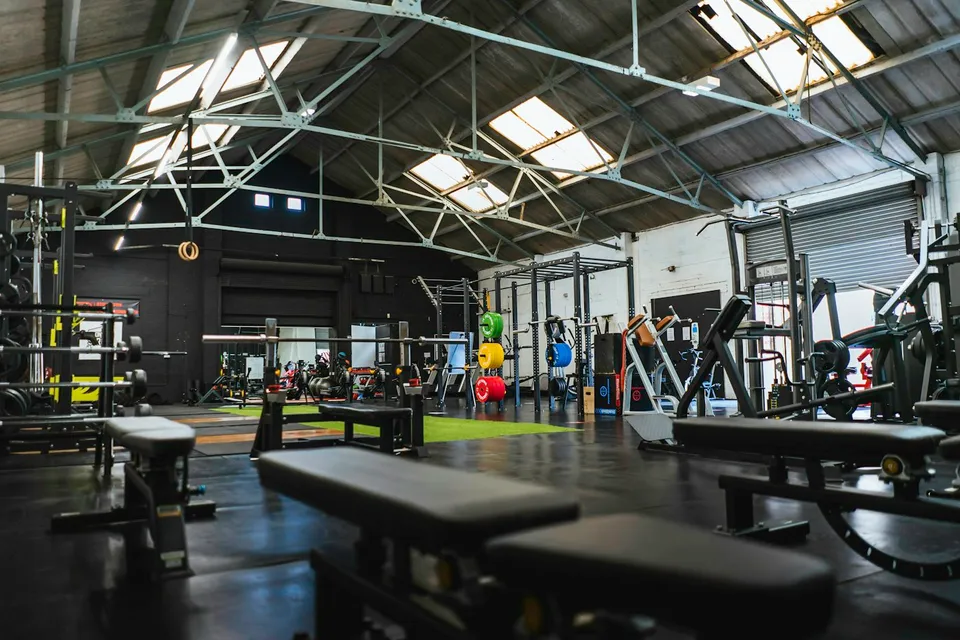
Capture powerful athletic commercials using top-and-side chiaroscuro lighting, intentional shutter-angle choices, grounded low-angle tracking, and structured coverage across every phase of training.