Flicker-Free Optical & Lighting Lockdown
Seal ambient room light, lock manual exposure and Kelvin, defeat electronic aperture micro-variance, and stabilize tripods and tables against floor vibration.
Bring skincare bottles, packaging, food, and beverage cans to life through flicker-free manual lockdown, eased frame spacing, onion-skin alignment, and invisible wire removal.
Tactile, handcrafted stop-motion spots catch viewer attention right away on social feeds and e-commerce product pages, yet first-time animators almost always run into distracting brightness flicker and stiff, robotic movement. Even tiny electronic aperture shifts, daylight leaking around a curtain, or wearing a bright shirt near the tabletop will make ninety consecutive RAW stills pulse unevenly. In this studio course, we build rock-solid tabletop rigging, natural ease-in/ease-out spacing, and clean-plate wire masking.
Start with a free online intro consultation for this course: we review the syllabus together, clarify how many sessions you need based on your goals and pace, and decide whether continuing Online ($69 CAD/hr) or In-Person ($99 CAD/hr) suits you best.
Looking for a turnkey production crew in Toronto instead of 1-on-1 training? See our Toronto Video Production Packages, Special Studio Bundles, and recent Reels on @tehranto.plus on Instagram.
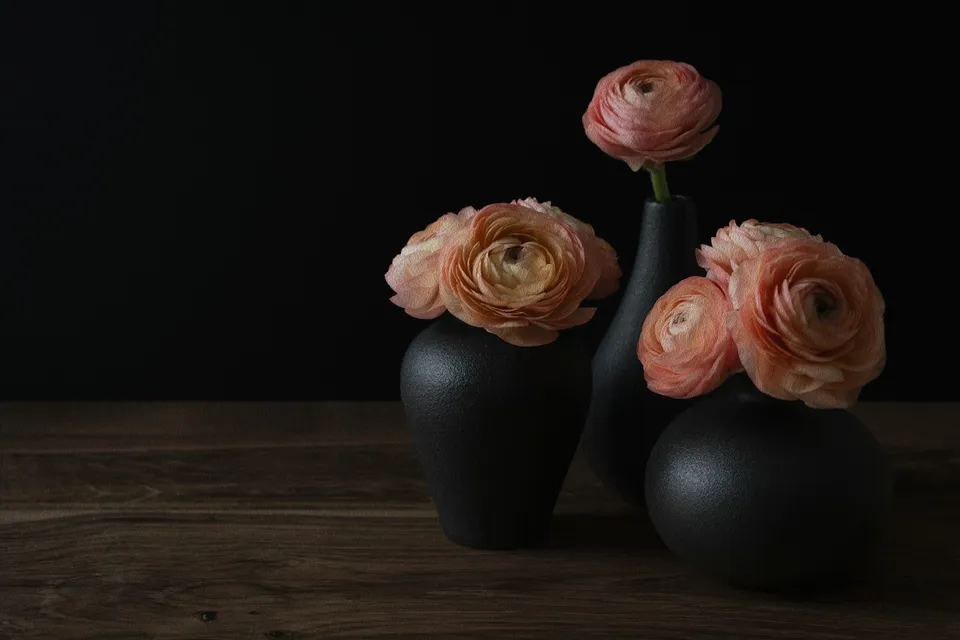
Every learner starts from a different background. These are the core capabilities this course develops, paced to your goals across the sessions we plan together.
Seal ambient room light, lock manual exposure and Kelvin, defeat electronic aperture micro-variance, and stabilize tripods and tables against floor vibration.
Progress object increments gradually (for example 2mm to 5mm to 12mm and back down to 2mm) so bottles and boxes carry believable physical weight.
Overlay a semi-transparent ghost of previous frames on your laptop live view so circular spins, lid pops, and return-to-frame-one loops line up cleanly.
Support floating caps, botanicals, or splashes on armature wire and museum wax, capture an empty background plate, and mask supports away cleanly.
Below are the main concepts and topics covered in this course. In your Free Online Intro Session, we align the exact depth and number of sessions to your experience and goals.
Weighting surfaces, locking camera optics physically, and configuring tethered live-view software before moving a single prop.
Shooting tactile 12fps vs crisp 15fps/24fps tabletop sequences with weighted acceleration and exact first-to-last frame registration.
Rigging self-opening boxes, rising dropper pipettes, and mid-air product explosions safely on the studio tabletop.
Developing consistent RAW image sequences, erasing support wires in After Effects, and layering crisp foley cues that bring motion alive.
Core practical benchmarks and standards covered as part of this course's curriculum.
| Animation Style | Playback Rate | Typical Frame Count | Best Brand Application |
|---|---|---|---|
| Tactile Unboxing Loop | 12 fps single-frame | 48 to 60 RAW stills | Artisanal coffee, bakery boxes, gift sets, stationery |
| Smooth 360° Product Spin | 15 fps continuous | 75 to 90 RAW stills | Skincare serums, perfume bottles, canned beverages |
| Snappy Collection Swap | 24 fps shot on twos (12 poses) | 36 to 48 unique setups | Handbags, footwear colorways, cosmetics shade ranges |
| Floating Ingredient Reveal | 15 fps plus locked clean plate | 45 to 75 rigged frames | Supplement capsules, watch parts, botanical skincare |
Choose a time for your Free Online Intro Session to map out your course path, or book an Online ($69/hr) or In-Person ($99/hr) session directly.
No, you do not need to buy expensive specialist software on day one. While we demonstrate industry-standard Dragonframe in our studio, Capture One's Live View Overlay and affordable tethered apps like Stop Motion Studio Pro provide clean onion-skin registration for commercial client jobs. In the Free Online Intro Session, we check your camera's tether support and recommend the simplest setup.
Every course begins with a Free Online Introductory Session where we review the core syllabus together, evaluate your current background and goals, and map out how many sessions you actually need and whether continuing Online ($69 CAD/hr) or In-Person ($99 CAD/hr) suits you best. Session count is never a rigid one-size-fits-all number; it adapts to your own level and pace.
Never. There is zero upfront package commitment: once your free online intro session maps out your path, any coaching sessions you choose ($69 CAD/hr online or $99 CAD/hr in-person) are scheduled flexibly session-by-session at your own pace.
Your choice: every session with Iman Adlkhah can be conducted 100% in English, 100% in Persian (Farsi), or naturally bilingual with industry terminology.
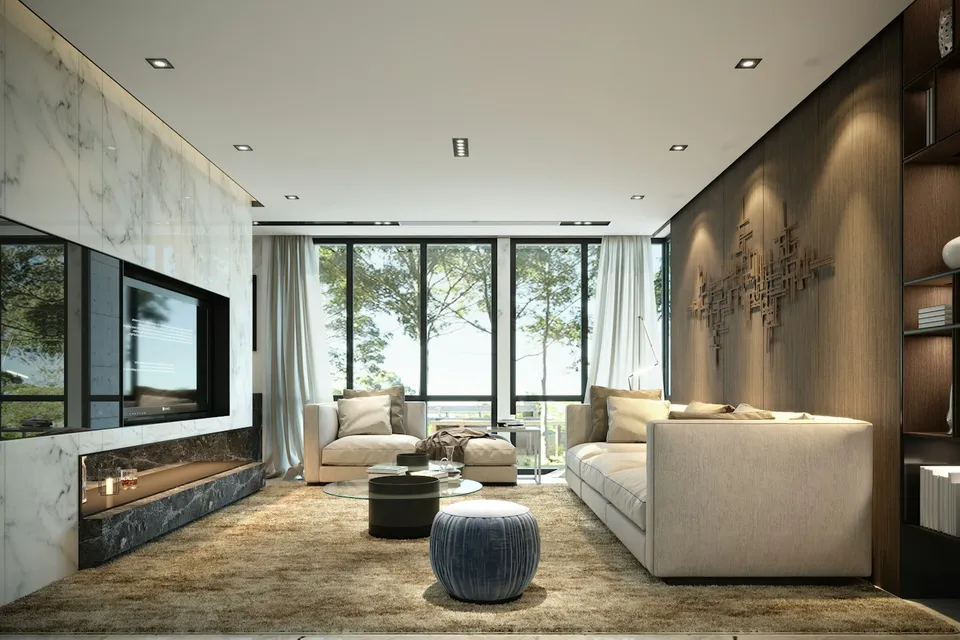
Film inviting, architecturally accurate property walkthroughs by combining level gimbal geometry, balanced window exposure, natural realtor intros, and purposeful detail sequences.
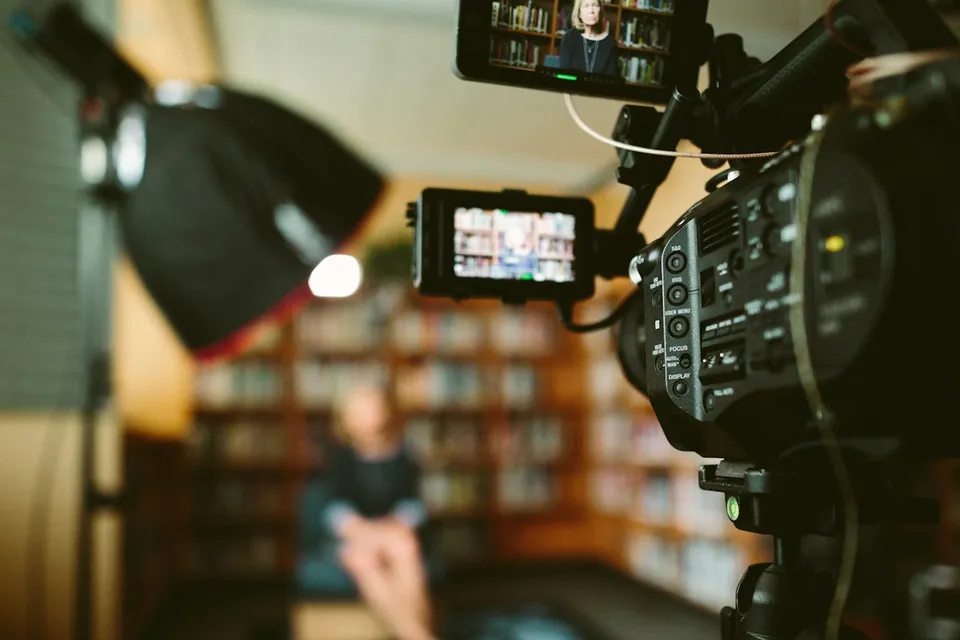
Learn the real-world filmmaking principles required to plan, light, record clean audio, direct subjects, and shoot cohesive commercial videos on your own.
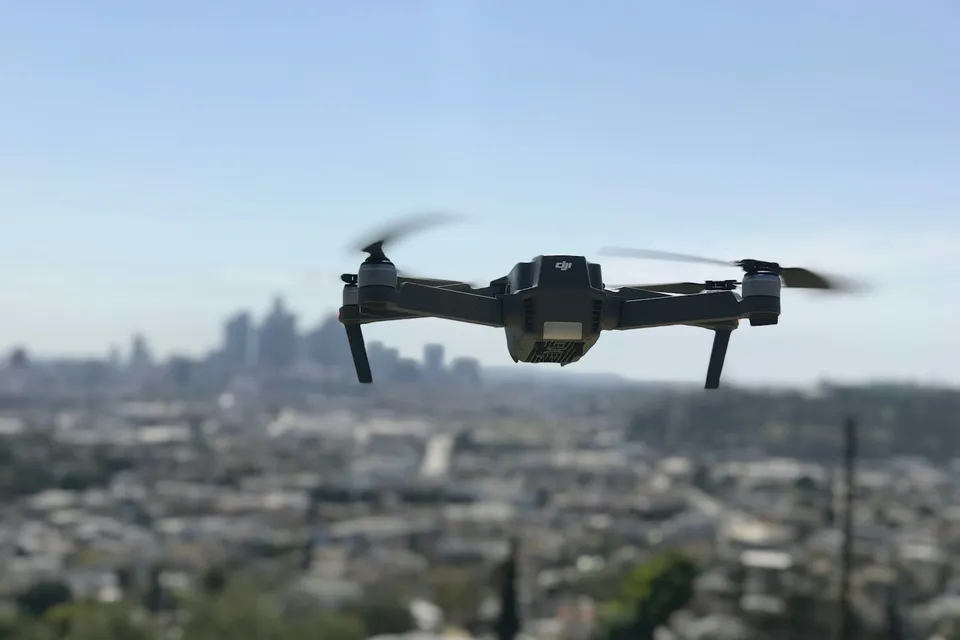
Fly controlled, fluid aerial sequences by tuning controller gain and expo curves, pairing ND filters for natural shutter cadence, and following Canadian airspace regulations.