In-Camera 9:16 Safety Markers & Overlays
Configure custom 9:16 and 4:5 aspect markers on mirrorless bodies or field monitors so you see both compositions simultaneously while rolling.
Deliver both widescreen website/YouTube films and clean vertical Reels from a single shoot using Open Gate sensors, center-safe aspect guides, and smart reframing.
Nearly every commercial client today asks for a 16:9 widescreen hero film for their website or YouTube channel alongside 9:16 vertical cuts for Instagram Reels and Shorts. When a shooter frames classic tight horizontal thirds without vertical safety space, cropping to 9:16 chops off shoulders, hand gestures, and product edges, forcing awkward reshoots or blurry upscales. This course teaches exact sensor resolution math, dual-safe composition, and clean multi-aspect post workflows.
Start with a free online intro consultation for this course: we review the syllabus together, clarify how many sessions you need based on your goals and pace, and decide whether continuing Online ($69 CAD/hr) or In-Person ($99 CAD/hr) suits you best.
Prefer just the written framework instead of live sessions? A standalone $39 CAD PDF guide option can also be requested for this course: select the PDF option below.
Looking for a turnkey production crew in Toronto instead of 1-on-1 training? See our Toronto Video Production Packages, Special Studio Bundles, and recent Reels on @tehranto.plus on Instagram.
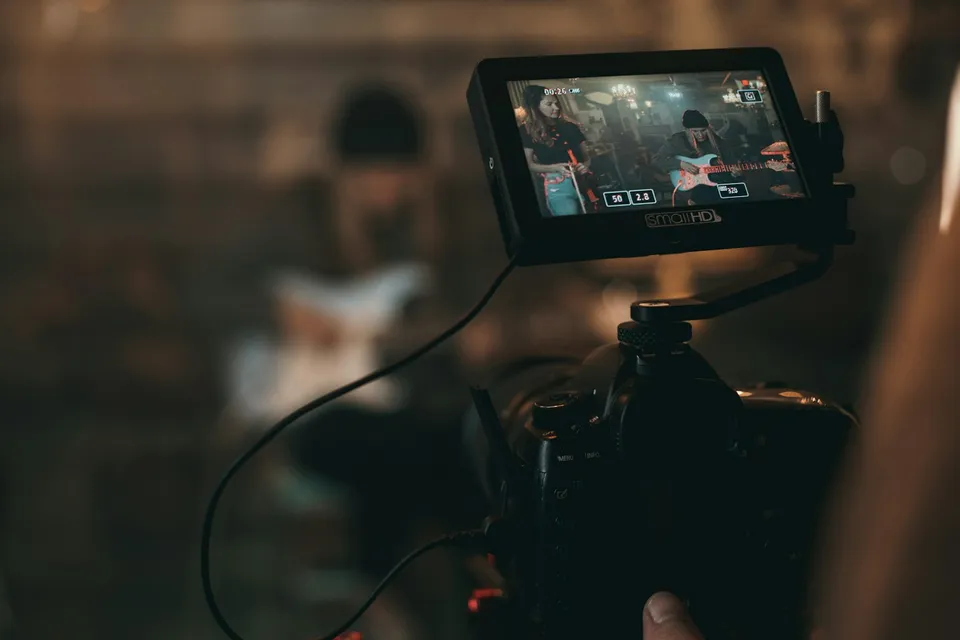
Every learner starts from a different background. These are the core capabilities this course develops, paced to your goals across the sessions we plan together.
Configure custom 9:16 and 4:5 aspect markers on mirrorless bodies or field monitors so you see both compositions simultaneously while rolling.
Know your true vertical resolution (such as 3840×2160 yielding a sharp 1215×2160 vertical slice, or 3:2 Open Gate adding precious extra headroom).
Step back slightly on a 28mm–35mm focal length and stage background depth near the talent's shoulders so neither 16:9 feels empty nor 9:16 feels cramped.
Protect faces and titles inside the central 4:5 safe zone so Reels/Shorts icons never block captions, and finish color/audio once before branching ratios.
Below are the main concepts and topics covered in this course. In your Free Online Intro Session, we align the exact depth and number of sessions to your experience and goals.
Setting up mirrorless camera aspect guides, external monitor frame lines, and choosing when to shoot center-safe horizontal vs rotated vertical.
Composing single speakers, two-person conversations, and dynamic B-roll so both widescreen and vertical viewers see an intentional frame.
Designing lower-thirds, kinetic captions, and key visual action around real mobile app overlays and profile grid crops.
Completing editorial cut, dialogue mix, and color grade once on your master sequence before generating clean secondary aspect deliverables.
Core practical benchmarks and standards covered as part of this course's curriculum.
| Camera Recording Mode | 16:9 Widescreen Master | 9:16 Vertical Extraction | Recommended Use Case |
|---|---|---|---|
| 6K / 7K Open Gate (3:2) | Oversampled 4K UHD master | Full-height 4K vertical master | Ideal single-take commercial & interview master |
| Standard 4K UHD (16:9) | Native 3840 × 2160 delivery | 1215 × 2160 crop scaled to 1080 × 1920 | Clean dual delivery when framed 25% wider |
| 1080p Full HD Only | 1920 × 1080 standard HD | Soft 607 × 1080 crop (avoid upscaling) | Shoot separate rotated vertical takes on 1080p bodies |
| Physically Rotated 9:16 | Not available (vertical-only shoot) | Full 3840 × 2160 native vertical sensor | Dedicated social-only campaigns needing max shallow bokeh |
Choose a time for your Free Online Intro Session to map out your course path, or book an Online ($69/hr) or In-Person ($99/hr) session directly, or request the $39 CAD PDF guide option.
Yes, every student receives our clean 1080×1920 UI Safe-Zone and Profile Grid PNG guide pack ready to drop onto Premiere Pro, DaVinci Resolve, or Final Cut timelines. In our Free Online Intro Session, we also check your specific camera model's aspect-marker and Open Gate options.
Every course begins with a Free Online Introductory Session where we review the core syllabus together, evaluate your current background and goals, and map out how many sessions you actually need and whether continuing Online ($69 CAD/hr) or In-Person ($99 CAD/hr) suits you best. Session count is never a rigid one-size-fits-all number; it adapts to your own level and pace.
There is zero upfront package commitment: live sessions are booked flexibly session-by-session ($69 CAD/hr online or $99 CAD/hr in-person). If you prefer a self-paced written guide instead of live coaching, a standalone $39 CAD PDF option can also be requested for this topic.
Your choice: every session with Iman Adlkhah can be conducted 100% in English, 100% in Persian (Farsi), or naturally bilingual with industry terminology.
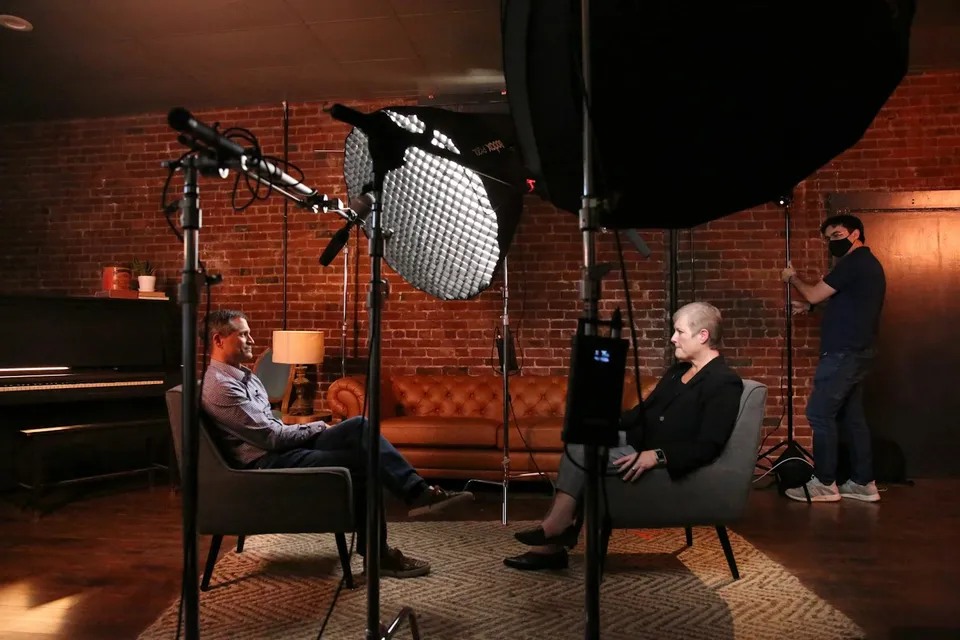
Turn ordinary client offices and studio corners into dimensional interview sets through motivated key lighting, shadow control, eyeglass glare geometry, and warm background depth.
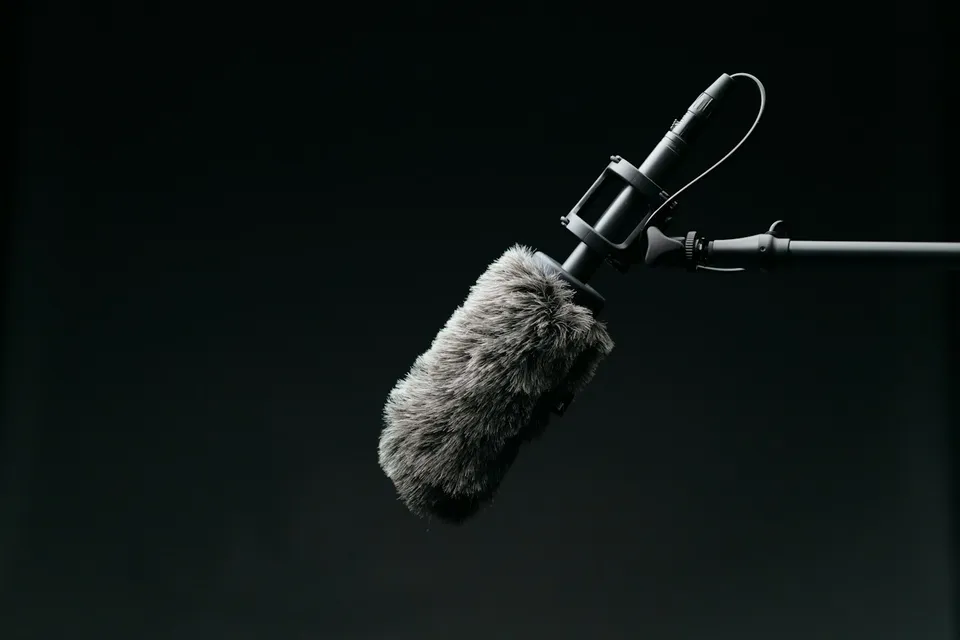
Capture crisp, distraction-free spoken dialogue on location by mastering preamp gain staging, concealed rustle-free lavalier rigging, overhead boom placement, and 32-bit float safety.
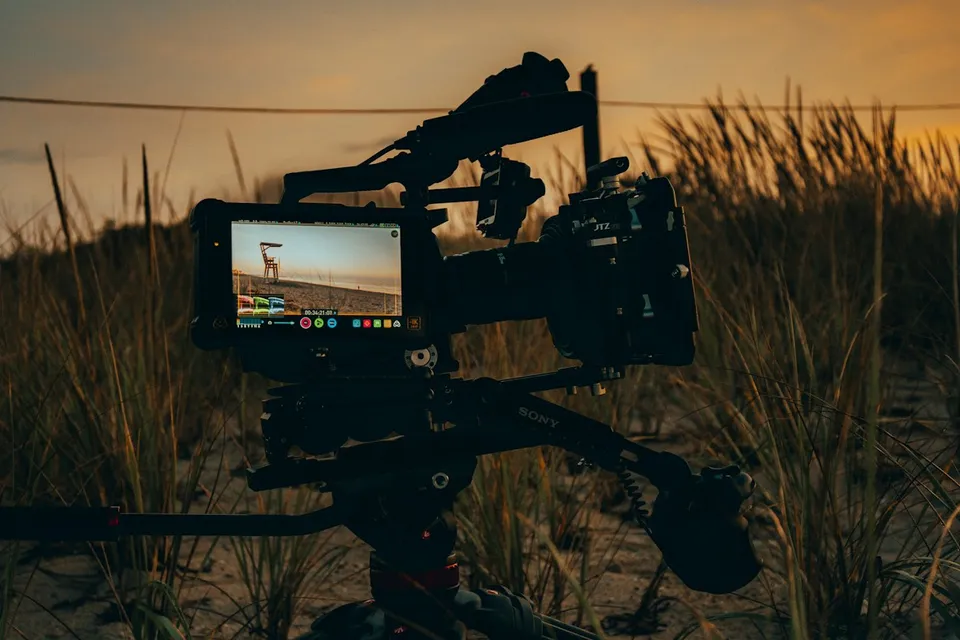
Capture clean, gradable 10-bit Log footage on Canon, Sony, Fujifilm, or Apple ProRes cameras by mastering dual native ISO, display assist LUTs, skin-tone zebras, and ND discipline.