USB-C Strain Relief & Port Protection
Guard delicate camera motherboard ports from floor snags using L-bracket cable clamps, tether blocks, and proper stand relief loops.
Build a reliable tethered studio pipeline with physical USB-C port protection, structured project folders, live layout overlays, and calm on-set client selection.
Checking commercial product or portrait frames on a tiny camera screen hides missed iris focus, stray lint, and awkward collar folds until the set is already torn down, while unguarded USB-C cables put fragile camera mainboard ports at constant risk of costly damage. In this course, we set up proper cable strain-relief hardware, compare Capture One Session architecture against Lightroom Classic tethering, apply live color grades and graphic crop overlays, and run organized collaborative reviews with clients or art directors right on set.
Start with a free online intro consultation for this course: we review the syllabus together, clarify how many sessions you need based on your goals and pace, and decide whether continuing Online ($69 CAD/hr) or In-Person ($99 CAD/hr) suits you best.
Need on-location photography for your team, brand, or listing in Toronto & GTA? Explore our Toronto Photography Services, configure a shoot on Book Online, or see recent shoots on @tehranto.plus on Instagram.
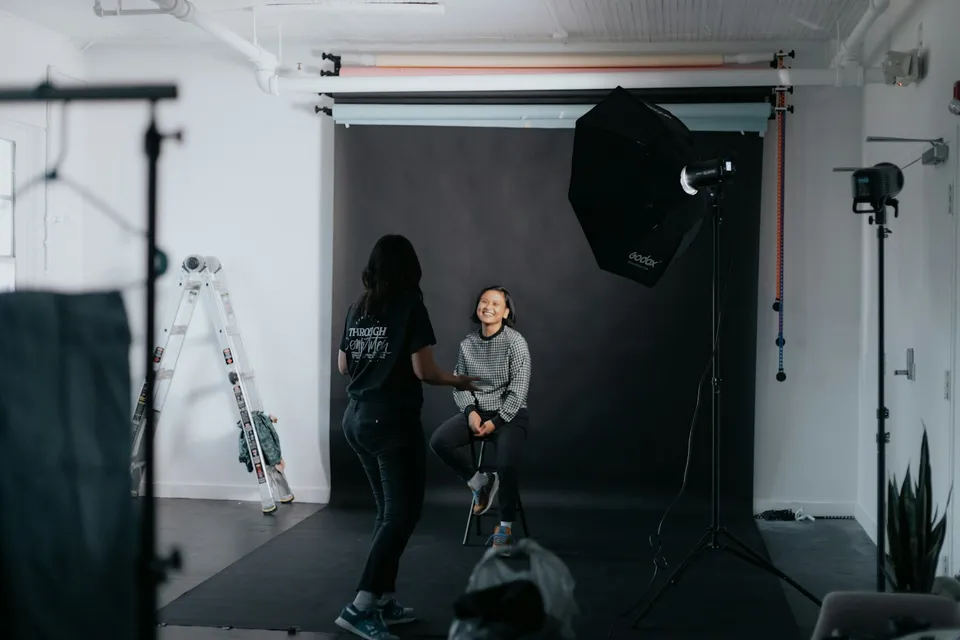
Every learner starts from a different background. These are the core capabilities this course develops, paced to your goals across the sessions we plan together.
Guard delicate camera motherboard ports from floor snags using L-bracket cable clamps, tether blocks, and proper stand relief loops.
Organize commercial shoots with self-contained Capture/Selects/Output/Trash session folders and automated SKU or look naming.
Auto-apply your brand color look and superimpose transparent magazine, packaging, or web-banner mockups onto every incoming RAW.
Compare candidate frames side by side with star and color tags so clients approve hero selects before you strike a single light.
Below are the main concepts and topics covered in this course. In your Free Online Intro Session, we align the exact depth and number of sessions to your experience and goals.
Solving hardware disconnects, power-delivery conflicts, and physical cable hazards before bringing clients onto the studio floor.
Structuring fast, portable project directories that never bog down under high-volume commercial or portrait shooting.
Inspecting critical optical sharpness and verifying exact layout geometry on a large calibrated screen while shooting.
Guiding art directors and portrait subjects through calm selection rounds and delivering retouch-ready files cleanly at wrap.
Core practical benchmarks and standards covered as part of this course's curriculum.
| Pipeline Stage | Common Studio Failure | Protected Studio Practice | Production Payoff |
|---|---|---|---|
| Camera Port & Cable | Plugging a bare charging cable directly into an unguarded port | 10Gbps data cable locked in an L-bracket clamp with stand loop | Protected motherboard socket and uninterrupted data transfer |
| Project Organization | Importing commercial client shoots into one massive personal catalog | Self-contained per-client Session folder with SKU capture naming | Fast performance and clean single-folder handoff to retouchers |
| Layout & Focus Check | Discovering missed eye focus or headline collisions back at home | Live focus-mask check paired with transparent PNG layout overlay | Confirmed sharpness and exact art-direction fit before tearing down |
| Client Sign-Off & Backup | Writing RAWs only to the laptop and chasing approvals by email | Dual card-plus-SSD capture and side-by-side star selects on set | Redundant RAW safety and approved final selects before wrap |
Choose a time for your Free Online Intro Session to map out your course path, or book an Online ($69/hr) or In-Person ($99/hr) session directly.
We teach both platforms thoroughly. Capture One Pro is widely favored in commercial studios for live overlays and session speed, while Lightroom Classic offers dependable native and watched-folder tethering for photographers already working in Adobe's ecosystem. In your Free Online Intro Session, we check your camera model and software preference to tailor the curriculum accordingly.
Every course begins with a Free Online Introductory Session where we review the core syllabus together, evaluate your current background and goals, and map out how many sessions you actually need and whether continuing Online ($69 CAD/hr) or In-Person ($99 CAD/hr) suits you best. Session count is never a rigid one-size-fits-all number; it adapts to your own level and pace.
Never. There is zero upfront package commitment: once your free online intro session maps out your path, any coaching sessions you choose ($69 CAD/hr online or $99 CAD/hr in-person) are scheduled flexibly session-by-session at your own pace.
Your choice: every session with Iman Adlkhah can be conducted 100% in English, 100% in Persian (Farsi), or naturally bilingual with industry terminology.
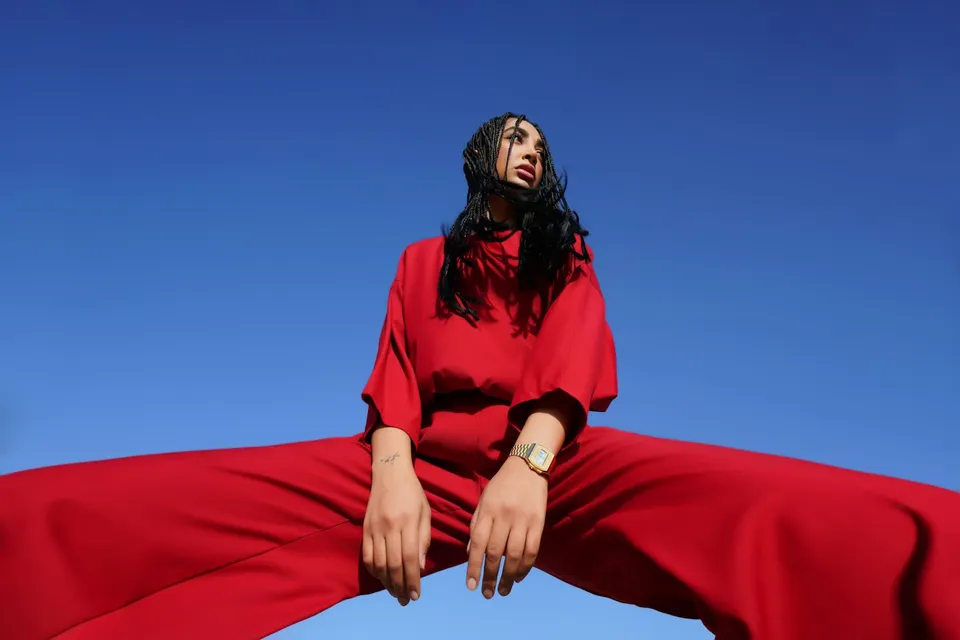
Sculpt tactile fabric texture, direct confident editorial silhouettes, and shoot cohesive fashion lookbooks in the studio or on city streets.

Eliminate cluttered room reflections on polished gold and steel, sculpt smooth liquid metal gradients, and merge tack-sharp macro focus stacks.
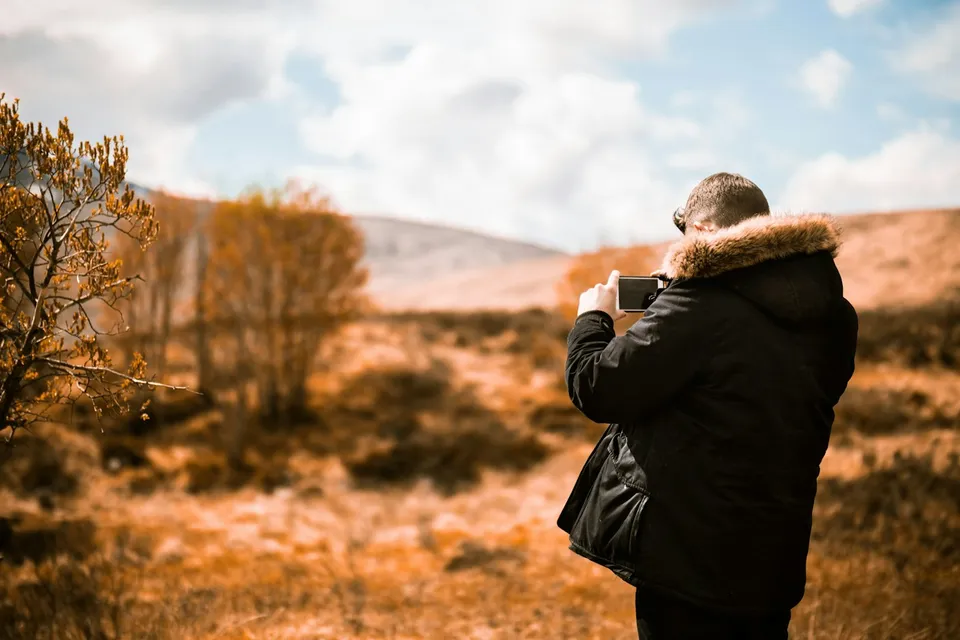
Bypass harsh computational HDR oversharpening and shoot natural, filmic travel, culinary, and lifestyle frames with the iPhone in your pocket.