Source-Level Sync & Pre-Cut Color Matching
Sync multiple cameras and external multitrack WAV recorders cleanly, resolve sample-rate drift, and match Cam A, Cam B, and wide shots once at the source level.
Build a sustainable multi-camera podcast post-production pipeline: accurate waveform/timecode sync, clean multitrack bleed control, motivated reaction cutting, and standalone vertical clip extraction.
Video podcasts stall when every episode turns into a chaotic marathon of drifting camera sync, hollow phase bleed between open studio microphones, color-grading hundreds of sliced clips one by one, and mechanical speaker-only cuts that ignore human reactions. In this course, we structure source-level camera matching, waveform/timecode multicam sync, audio-first multitrack gating and mixing, editorial angle switching, and reframing high-context vertical clips.
Start with a free online intro consultation for this course: we review the syllabus together, clarify how many sessions you need based on your goals and pace, and decide whether continuing Online ($69 CAD/hr) or In-Person ($99 CAD/hr) suits you best.
Prefer done-for-you commercial filming, kinetic typography, and color grading for your brand? View our Video Production Studio, Client Portfolio, and recent edits on @tehranto.plus on Instagram.
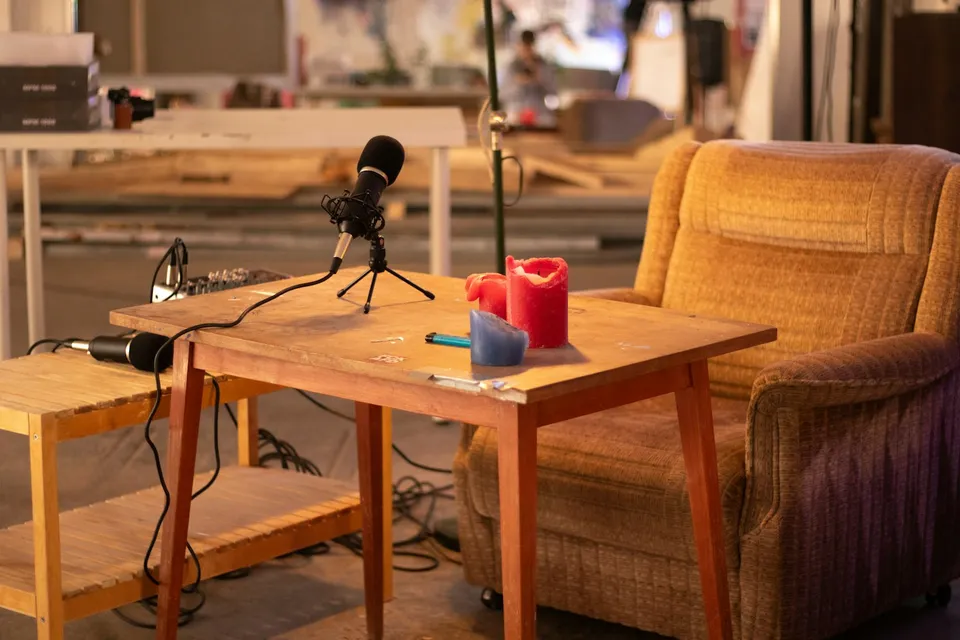
Every learner starts from a different background. These are the core capabilities this course develops, paced to your goals across the sessions we plan together.
Sync multiple cameras and external multitrack WAV recorders cleanly, resolve sample-rate drift, and match Cam A, Cam B, and wide shots once at the source level.
Route isolated mono XLR tracks cleanly and apply smooth expanders or auto-mic gating so two speakers in the same room never sound hollow, phasey, or distant.
Pair keyboard multicam cutting or automated active-speaker tools with intentional listener nods, shared laughter wide shots, and clean tangent trims.
Identify complete story arcs from the episode transcript and reframe single-camera and split-screen 9:16 vertical layouts that make sense to cold viewers.
Below are the main concepts and topics covered in this course. In your Free Online Intro Session, we align the exact depth and number of sessions to your experience and goals.
Organizing multi-hour card spans and external audio recorders into a clean Multicam Source Sequence where color and framing updates ripple across the whole episode.
Cleaning phase cancellation and room slapback when two to four people speak around one table, and leveling loudness between quiet guests and energetic hosts.
Moving beyond robotic 'cut only when someone speaks' habits by editing for human connection, conversational tension, and strong episode openings.
Turning each long-form conversation into standalone vertical stories with clean framing, bilingual captions, and batch export efficiency.
Core practical benchmarks and standards covered as part of this course's curriculum.
| Production Stage | Unsustainable Edit Habit | Studio Pipeline Taught | Episode Outcome |
|---|---|---|---|
| Sync & Color Prep | Grading 300 timeline slices individually after cutting | Waveform/TC sync and camera matching inside Source Multicam | Instant global color updates across the entire episode |
| Studio Mic Mix | Leaving all mics wide open with hollow room echo bleed | Mono channel routing paired with smooth cross-talk attenuation | Tight, intimate broadcast voice clarity for every speaker |
| Camera Switching | Whip-cutting to a camera every time someone says 'yeah' | Minimum-hold pacing enriched with listener reactions & 2-shots | Natural conversational chemistry that feels directed |
| Vertical Clips | Cropping random mid-sentence clips with faces cut off | Story-complete selects in custom single or stacked 9:16 rigs | Standalone short episodes that attract new listeners |
Choose a time for your Free Online Intro Session to map out your course path, or book an Online ($69/hr) or In-Person ($99/hr) session directly.
English transcription runs natively inside Premiere Pro and DaVinci Resolve Studio, and for Persian or bilingual podcasts we set up a clean Whisper transcription import workflow so you can search dialogue, trim tangents, and pull short clips from accurate Persian text as well.
Every course begins with a Free Online Introductory Session where we review the core syllabus together, evaluate your current background and goals, and map out how many sessions you actually need and whether continuing Online ($69 CAD/hr) or In-Person ($99 CAD/hr) suits you best. Session count is never a rigid one-size-fits-all number; it adapts to your own level and pace.
Never. There is zero upfront package commitment: once your free online intro session maps out your path, any coaching sessions you choose ($69 CAD/hr online or $99 CAD/hr in-person) are scheduled flexibly session-by-session at your own pace.
Your choice: every session with Iman Adlkhah can be conducted 100% in English, 100% in Persian (Farsi), or naturally bilingual with industry terminology.
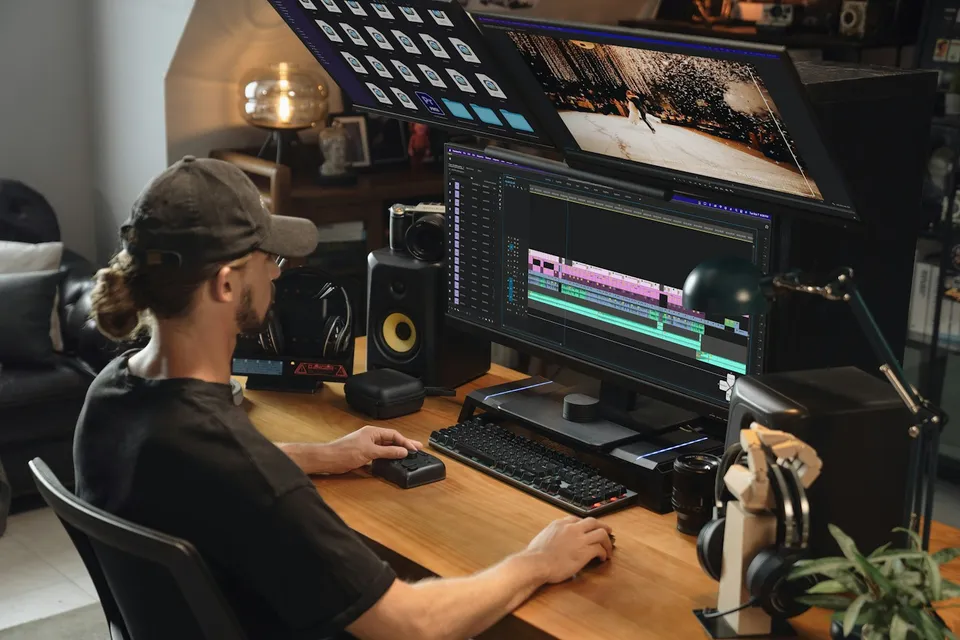
Rig responsive After Effects Essential Graphics templates using sourceRectAtTime() auto-sizing boxes and clean Premiere Pro controls for bilingual EN/FA editing teams.
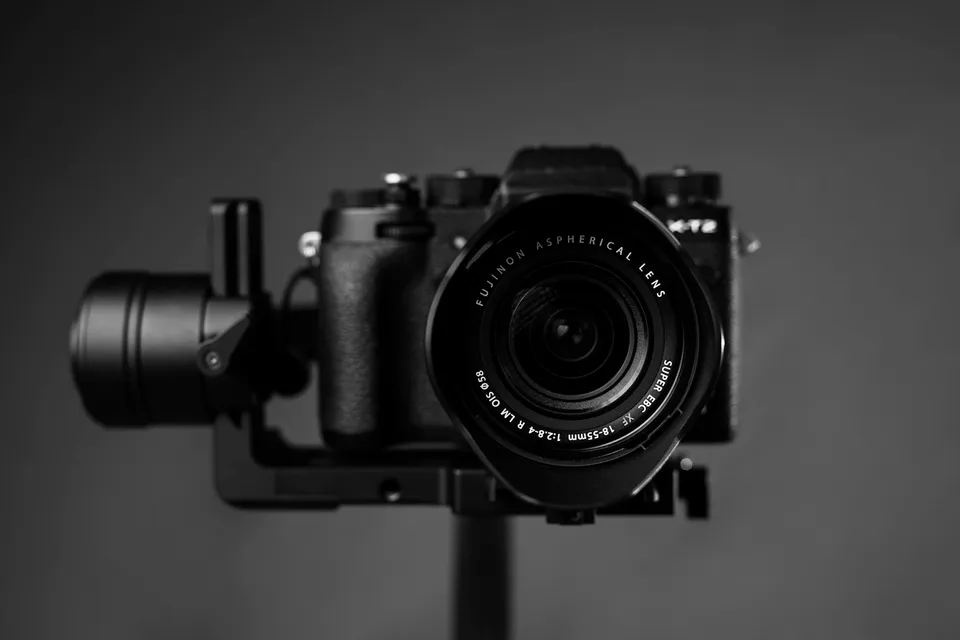
Unify mixed Canon, Sony, DJI drone, and iPhone clips on one timeline through shared color-space normalization, side-by-side scope matching, green/magenta skin balance, and matched optical texture.
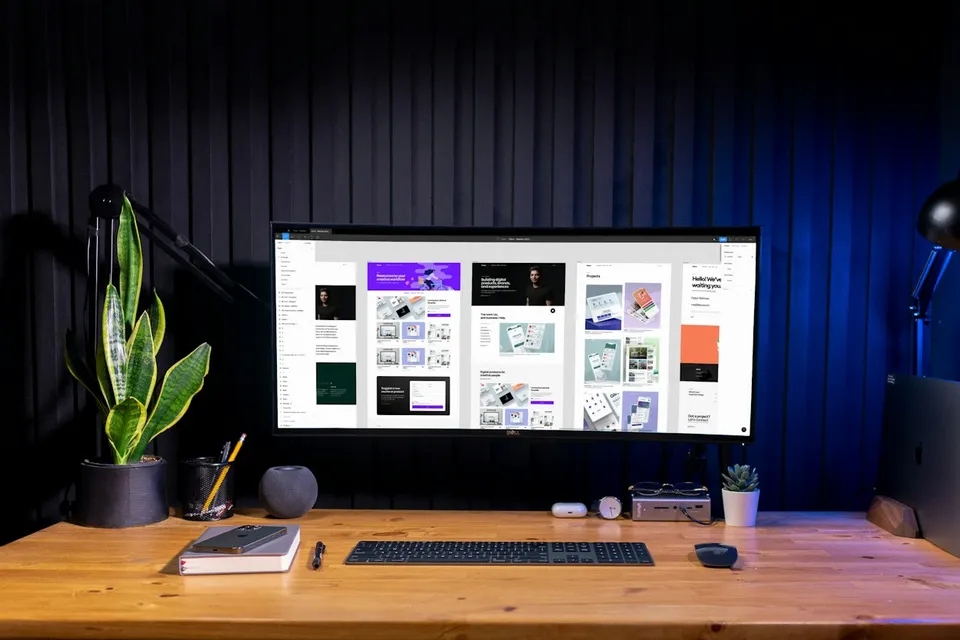
Design mobile-legible YouTube thumbnails in Photoshop built on title-plus-image curiosity, three-element composition, and natural subject relighting.