sourceRectAtTime() Auto-Sizing Containers
Write clean expressions so background pills, accent bars, and multi-line boxes expand and contract automatically with exact pixel padding around short or long EN/FA strings.
Rig responsive After Effects Essential Graphics templates using sourceRectAtTime() auto-sizing boxes and clean Premiere Pro controls for bilingual EN/FA editing teams.
Editors lose hours rebuilding lower-thirds, chapter cards, and price callouts by hand whenever a guest has a longer name or a campaign switches between Left-to-Right English and Right-to-Left Persian. In this course, we rig responsive shape layers in After Effects with sourceRectAtTime() expressions, expose intuitive Essential Graphics sliders and Protected Regions, and package lightweight .mogrt libraries ready for any Premiere Pro workstation.
Start with a free online intro consultation for this course: we review the syllabus together, clarify how many sessions you need based on your goals and pace, and decide whether continuing Online ($69 CAD/hr) or In-Person ($99 CAD/hr) suits you best.
Prefer done-for-you commercial filming, kinetic typography, and color grading for your brand? View our Video Production Studio, Client Portfolio, and recent edits on @tehranto.plus on Instagram.
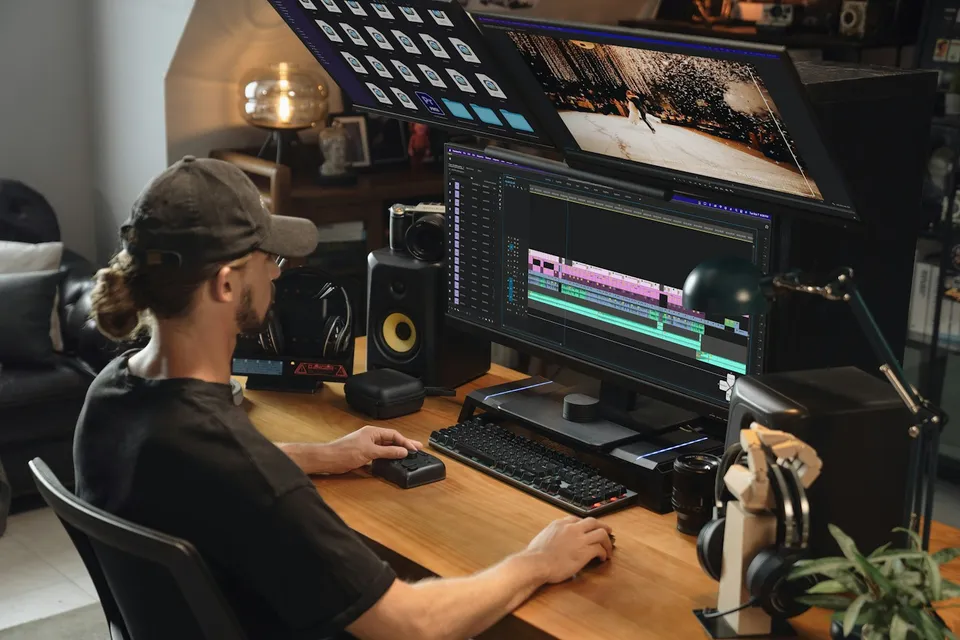
Every learner starts from a different background. These are the core capabilities this course develops, paced to your goals across the sessions we plan together.
Write clean expressions so background pills, accent bars, and multi-line boxes expand and contract automatically with exact pixel padding around short or long EN/FA strings.
Configure anchor points and alignment switches so graphics wipe open cleanly from the left for English titles and from the right for Persian titles inside one template.
Expose only practical controls (Text, Font Override, Theme Dropdown, Position, Scale) and lock intro/outro keyframes so stretching clip duration never distorts easing.
Export a cohesive, plugin-free bundle (Speaker Lower-Third, Chapter Title, Stat/Price Callout, Quote Card, End-Screen CTA) that scrubs smoothly on Premiere timelines.
Below are the main concepts and topics covered in this course. In your Free Online Intro Session, we align the exact depth and number of sessions to your experience and goals.
Designing timeless editorial lower-thirds and callout layouts in After Effects using native shape and text layers that stay crisp at both 16:9 and 9:16 aspect ratios.
Understanding every line of responsive box math instead of copy-pasting fragile code, handling descenders (`پ`, `چ`, `ی`, `g`, `y`) and multi-line layouts cleanly.
Turning raw After Effects compositions into foolproof editor interfaces with theme selectors, embedded brand logos, and elastic timeline duration.
Testing playback responsiveness inside Premiere Pro, organizing local or Creative Cloud shared libraries, and structuring custom motion-kit deliverables for clients.
Core practical benchmarks and standards covered as part of this course's curriculum.
| Template Layer | Fragile Static Habit | Responsive Rigging Method | Editor Experience |
|---|---|---|---|
| Container Sizing | Text overflows the box or swims inside huge empty space | sourceRectAtTime() width/height with locked descender baseline | Type any EN or FA phrase and the box fits immediately |
| Language Direction | Right-to-Left Persian text awkwardly expanding from the left | Rigged LTR/RTL alignment toggle shifting anchor and wipe origin | One master file serves bilingual client channels cleanly |
| Timeline Stretching | Stretching clip duration makes entry animation sluggish | Protected Intro and Outro regions isolating keyframe velocity | Crisp animation speed whether held briefly or across a long quote |
| Playback & Dependencies | Missing logo files and red render bars requiring After Effects | Native AE vector layers with embedded assets and lean expressions | Smooth Premiere scrubbing even on editors' machines without AE |
Choose a time for your Free Online Intro Session to map out your course path, or book an Online ($69/hr) or In-Person ($99/hr) session directly.
No. When templates are built using native After Effects text, shape layers, and expressions without third-party plugins, the exported `.mogrt` file is self-contained and runs directly inside Premiere Pro on any Mac or Windows workstation.
Every course begins with a Free Online Introductory Session where we review the core syllabus together, evaluate your current background and goals, and map out how many sessions you actually need and whether continuing Online ($69 CAD/hr) or In-Person ($99 CAD/hr) suits you best. Session count is never a rigid one-size-fits-all number; it adapts to your own level and pace.
Never. There is zero upfront package commitment: once your free online intro session maps out your path, any coaching sessions you choose ($69 CAD/hr online or $99 CAD/hr in-person) are scheduled flexibly session-by-session at your own pace.
Your choice: every session with Iman Adlkhah can be conducted 100% in English, 100% in Persian (Farsi), or naturally bilingual with industry terminology.
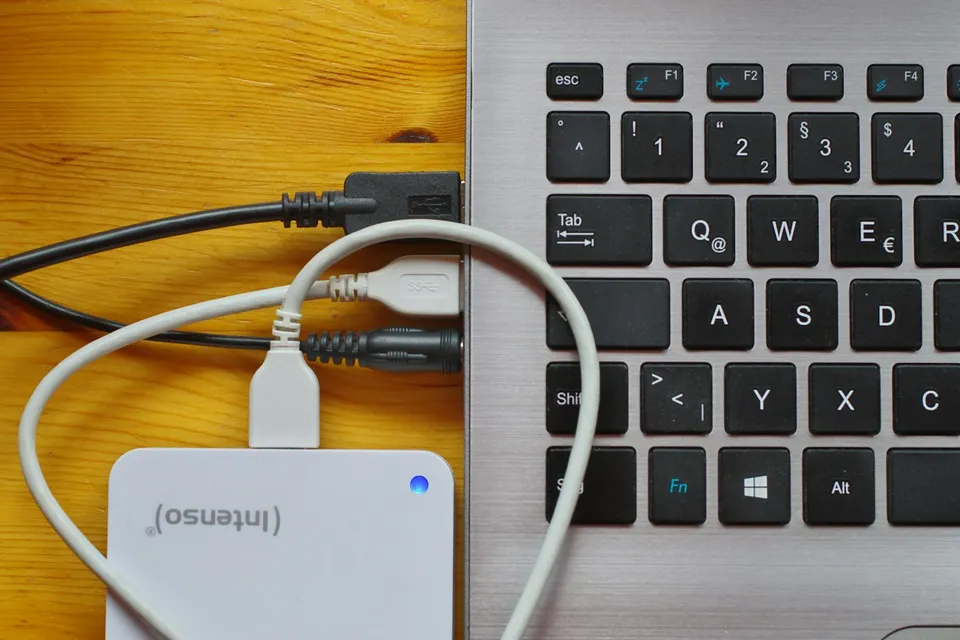
Build a reliable shoot-to-archive media pipeline: structured project folders, NVMe scratch-disk tiers, mixed-frame-rate proxies, and verified 3-2-1 backups.
Combine ambient luminosity frames with directional flash exposures in Photoshop for neutral walls, believable window views, crisp verticals, and distraction-free interiors.
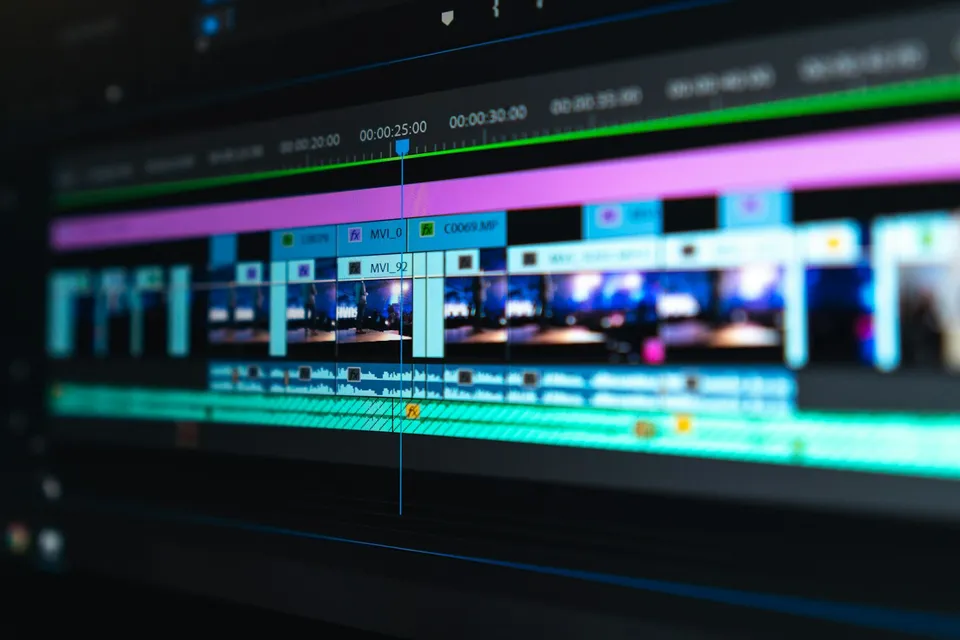
Learn clean Premiere Pro project organization, waveform-driven ripple cutting, natural punch-in reframing, clear dialogue mixing, and accurate Rec.709 export.