Breath-Aware Gapless Ripple Pacing
Trim false starts and dead air cleanly on waveform consonants while tucking subtle two-frame J-cut overlaps so spoken delivery feels confident, never breathless.
Edit engaging single-camera YouTube episodes in Premiere Pro using natural breath-paced ripple cuts, upper-third eyeline punch-ins, 180-degree Transform motion, and visual chapter resets.
Long-form talking-head videos lose viewers fast when dead air drags between sentences or unaligned jump cuts bounce the speaker's head up and down across the frame. In this course, we practice Premiere Pro dialogue ripple-cutting that keeps natural breath cadence, cut-by-cut static punch-ins (100% to 110%–115%) with matched eyelines, Transform-effect 180° shutter-angle pushes on longer segments, and structured chapter resets.
Start with a free online intro consultation for this course: we review the syllabus together, clarify how many sessions you need based on your goals and pace, and decide whether continuing Online ($69 CAD/hr) or In-Person ($99 CAD/hr) suits you best.
Prefer just the written framework instead of live sessions? A standalone $39 CAD PDF guide option can also be requested for this course: select the PDF option below.
Prefer done-for-you commercial filming, kinetic typography, and color grading for your brand? View our Video Production Studio, Client Portfolio, and recent edits on @tehranto.plus on Instagram.
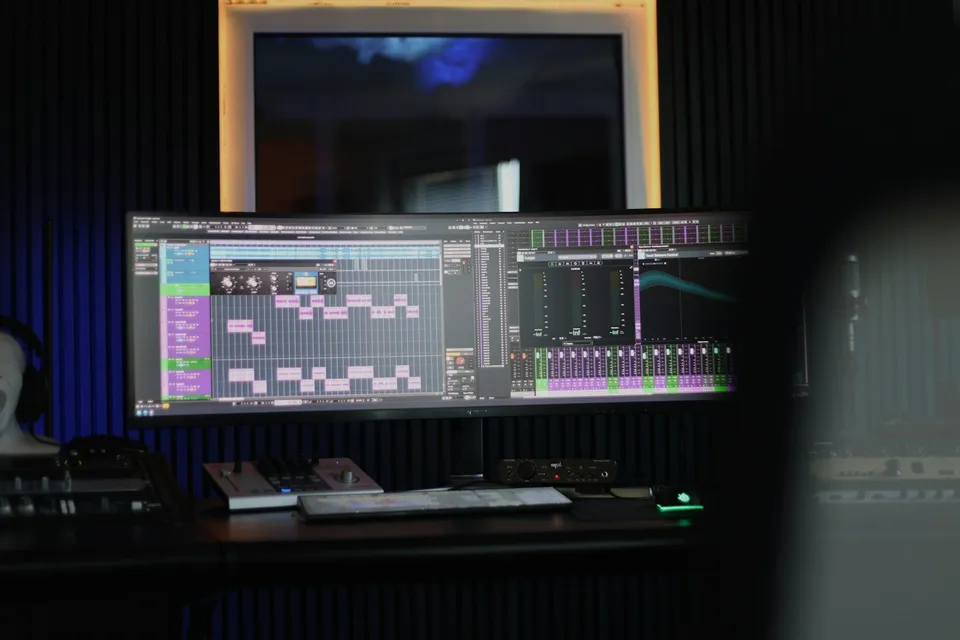
Every learner starts from a different background. These are the core capabilities this course develops, paced to your goals across the sessions we plan together.
Trim false starts and dead air cleanly on waveform consonants while tucking subtle two-frame J-cut overlaps so spoken delivery feels confident, never breathless.
Alternate wide and tighter crops across cut points while adjusting vertical Y-position so the speaker's eyes stay anchored on the upper-third line without visual hop.
Build accented zooms (6f @ 24fps, 8f @ 30fps, 16f @ 60fps) via Premiere's Transform effect with 180° shutter blur, plus gentle slow pushes inside uncut stories.
Reset viewer attention across long runtimes using clean chapter title cards, framed screen-share B-roll windows, and accurate YouTube chapter markers.
Below are the main concepts and topics covered in this course. In your Free Online Intro Session, we align the exact depth and number of sessions to your experience and goals.
Turning raw talking-head recordings full of retakes into a coherent narrative spine using Premiere Text-Based Editing followed by frame-accurate waveform polish.
Eliminating jarring jump cuts on single-camera footage filmed in 4K by alternating clean reframes that respect headroom, nose room, and eye placement.
Building reusable Premiere Effect Presets for crisp accented zooms with authentic motion blur and subtle continuous motion inside uninterrupted story beats.
Structuring visual variety across ten-to-thirty-minute timelines and exporting clean masters ready for high-bitrate YouTube streaming.
Core practical benchmarks and standards covered as part of this course's curriculum.
| Editorial Technique | Typical Jump-Cut Flaw | Disciplined Premiere Spec | Retention Effect |
|---|---|---|---|
| Dialogue Ripple Cut | Awkward pauses or clipped robotic word endings | Consonant-aligned cuts with 2-frame J-cut breath continuity | Crisp, natural spoken cadence that holds attention |
| Static Cut Reframe | Scaling to 115% without Y-fix so the head jumps higher | 100% <-> 110%–115% paired with upper-third eyeline lock | Clean multi-camera illusion from a single 4K lens |
| Accented & Slow Motion | Linear Motion-panel zooms with harsh digital stutter | Transform 180° shutter zooms (6f/8f/16f) & 105% long drifts | Smooth optical polish on key punchlines and stories |
| Chapter Architecture | Unbroken talking head for twenty straight minutes | Periodic chapter resets, callout frames, and timestamp map | Clear viewer orientation and stronger mid-video watch time |
Choose a time for your Free Online Intro Session to map out your course path, or book an Online ($69/hr) or In-Person ($99/hr) session directly, or request the $39 CAD PDF guide option.
Yes. Building your custom Preset bin inside Premiere Pro's Effects panel is a core hands-on part of the workflow. Starting from your Free Online Intro Session, we check the frame rate and resolution you shoot in and tailor your sessions around real episodes from your channel or client work.
Every course begins with a Free Online Introductory Session where we review the core syllabus together, evaluate your current background and goals, and map out how many sessions you actually need and whether continuing Online ($69 CAD/hr) or In-Person ($99 CAD/hr) suits you best. Session count is never a rigid one-size-fits-all number; it adapts to your own level and pace.
There is zero upfront package commitment: live sessions are booked flexibly session-by-session ($69 CAD/hr online or $99 CAD/hr in-person). If you prefer a self-paced written guide instead of live coaching, a standalone $39 CAD PDF option can also be requested for this topic.
Your choice: every session with Iman Adlkhah can be conducted 100% in English, 100% in Persian (Farsi), or naturally bilingual with industry terminology.
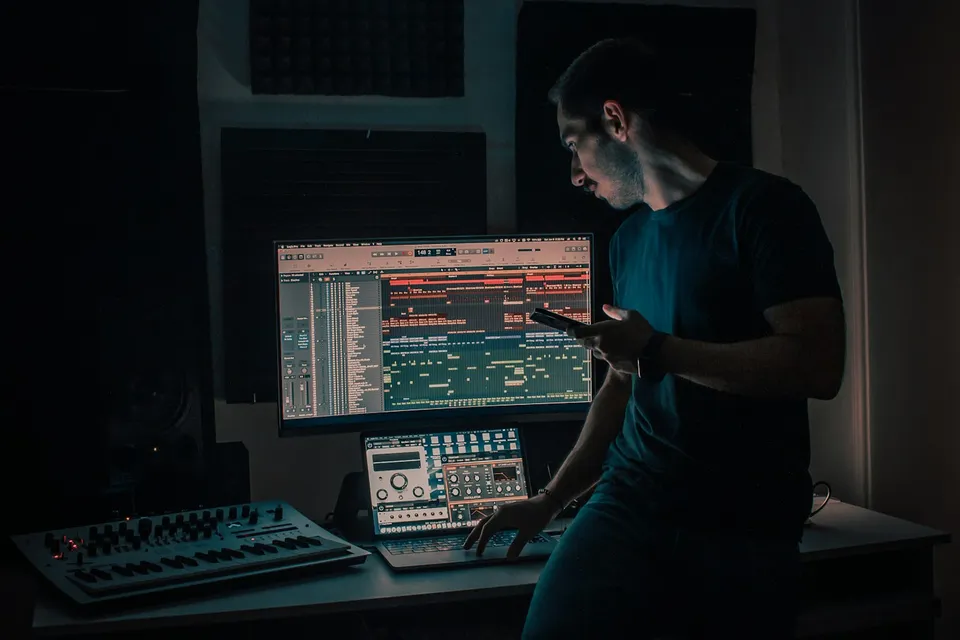
Place bold headlines and floating data cards cleanly behind moving speakers using disciplined three-layer compositing, clean hair edges, and optical depth matching.
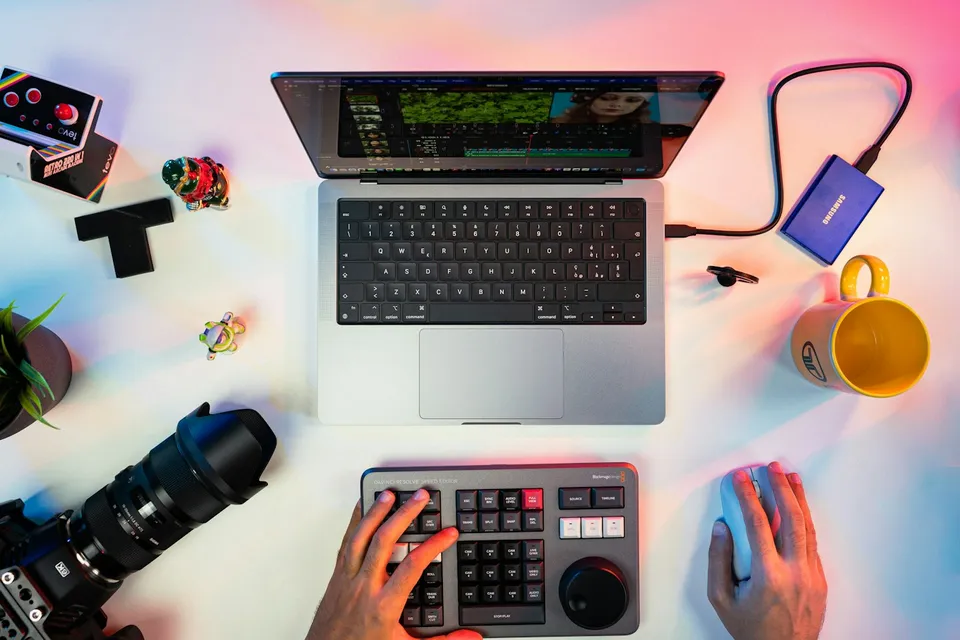
Strip away tacky default stickers and bounce templates: edit crisp, agency-clean vertical videos in CapCut Desktop and Mobile with J/L overlaps, custom brand fonts, and high-clarity exports.

Turn overwhelming portrait, event, and commercial RAW shoots into a structured Lightroom Classic pipeline: clean catalogs, lag-free Smart Previews, two-pass culling, and batch AI mask syncing.