Restrained Cuts & J/L Audio Overlaps
Replace jarring preset transitions with tight keyboard ripple edits and subtle audio pre-laps so spoken sentences connect naturally across shots.
Strip away tacky default stickers and bounce templates: edit crisp, agency-clean vertical videos in CapCut Desktop and Mobile with J/L overlaps, custom brand fonts, and high-clarity exports.
Founders, creators, and social managers love CapCut's responsiveness, yet most edits give themselves away immediately through cartoon text bounces, dizzying shake transitions, clipped word endings, and muddy export compression. This course turns CapCut Desktop and Mobile into a restrained commercial editing environment: keyboard ripple cuts, smooth J and L audio overlaps, custom Persian/English brand typography templates, compound clips, keyframed framing, and clean bitrate discipline.
Start with a free online intro consultation for this course: we review the syllabus together, clarify how many sessions you need based on your goals and pace, and decide whether continuing Online ($69 CAD/hr) or In-Person ($99 CAD/hr) suits you best.
Prefer just the written framework instead of live sessions? A standalone $39 CAD PDF guide option can also be requested for this course: select the PDF option below.
Prefer done-for-you commercial filming, kinetic typography, and color grading for your brand? View our Video Production Studio, Client Portfolio, and recent edits on @tehranto.plus on Instagram.
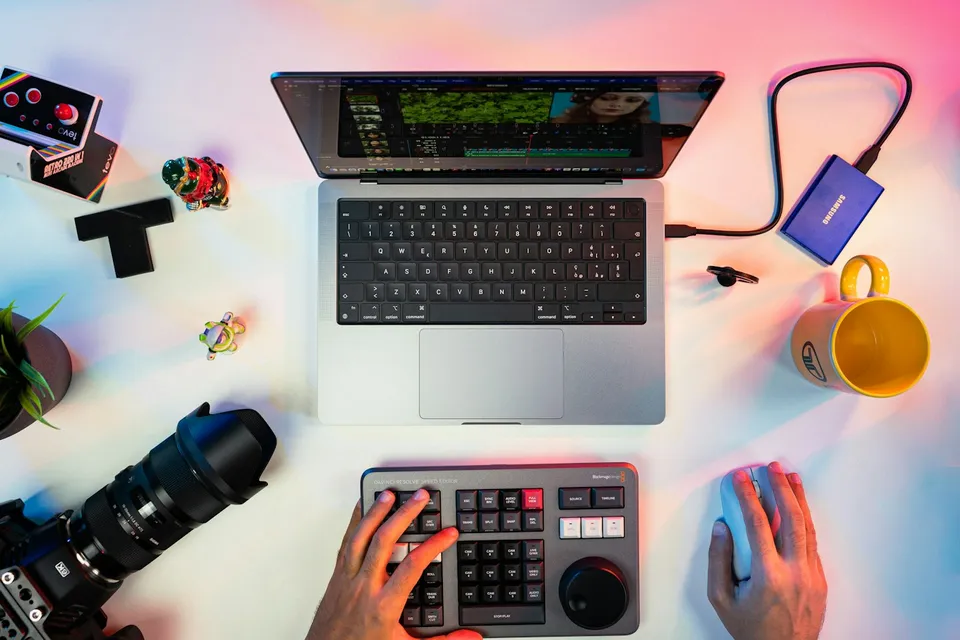
Every learner starts from a different background. These are the core capabilities this course develops, paced to your goals across the sessions we plan together.
Replace jarring preset transitions with tight keyboard ripple edits and subtle audio pre-laps so spoken sentences connect naturally across shots.
Import clean Persian (Doran, Shabnam, Anjoman) and English (Montserrat) font files and save reusable brand caption styles inside 9:16 safe margins.
Group multi-layer B-roll and graphic callouts into tidy compound clips, and animate gentle scale reframes with smooth easing curves instead of shake filters.
Normalize blown-out iPhone HDR clips via Adjustment Layers, clean background hum without robotic artifacts, and export crisp 1080p masters that resist recompression.
Below are the main concepts and topics covered in this course. In your Free Online Intro Session, we align the exact depth and number of sessions to your experience and goals.
Configuring CapCut project defaults, disabling automatic watermarks, and building a clean spoken A-roll spine using waveform cues and split audio edits.
Adding deliberate visual pacing through manual position/scale keyframes, custom velocity curves on action B-roll, and clean multi-layer grouping.
Eliminating default CapCut caption clichés by installing proper brand fonts, fixing RTL Persian line wrapping, and saving repeatable brand presets.
Unifying color across phone and camera clips, balancing spoken voice over ducked music, and choosing codec/bitrate settings that stay sharp after upload.
Core practical benchmarks and standards covered as part of this course's curriculum.
| Editing Layer | Tacky Default Habit | Agency-Clean CapCut Method | Final Output Feel |
|---|---|---|---|
| Cuts & Transitions | Loud glitch, spin, and zoom-shake transitions on every cut | Tight waveform ripple cuts paired with J/L audio overlaps | Confident commercial pacing that keeps focus on the message |
| Captions & Fonts | System default fonts with neon strokes and karaoke word-bounces | Imported EN/FA brand fonts in calm 3–4 word safe-zone lines | Polished brand identity indistinguishable from desktop NLEs |
| Voice & Sound Mix | 100% noise reduction turning speech watery over loud music | Moderate vocal isolation, soft transition foley, and -24dB music bed | Clear, natural human voice across phone speakers |
| Color & Export | Blown-out HDR skin tones and blocky compressed 4K uploads | SDR color management + 1080p matched-fps controlled bitrate | Natural skin tones and crisp text edges on social feeds |
Choose a time for your Free Online Intro Session to map out your course path, or book an Online ($69/hr) or In-Person ($99/hr) session directly, or request the $39 CAD PDF guide option.
CapCut Desktop gives you a larger waveform, keyboard ripple shortcuts, and cleaner file organization, while CapCut Cloud lets you move projects between computer and phone when needed. In your Free Online Intro Session, we check how you film and publish so we tailor the workflow to Desktop, Mobile, or a hybrid of both.
Every course begins with a Free Online Introductory Session where we review the core syllabus together, evaluate your current background and goals, and map out how many sessions you actually need and whether continuing Online ($69 CAD/hr) or In-Person ($99 CAD/hr) suits you best. Session count is never a rigid one-size-fits-all number; it adapts to your own level and pace.
There is zero upfront package commitment: live sessions are booked flexibly session-by-session ($69 CAD/hr online or $99 CAD/hr in-person). If you prefer a self-paced written guide instead of live coaching, a standalone $39 CAD PDF option can also be requested for this topic.
Your choice: every session with Iman Adlkhah can be conducted 100% in English, 100% in Persian (Farsi), or naturally bilingual with industry terminology.
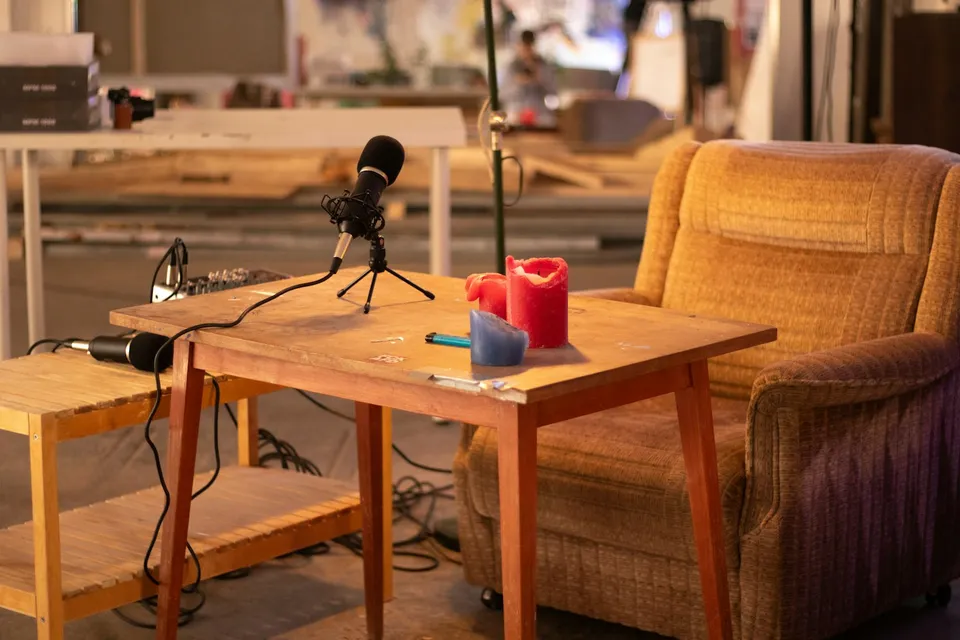
Build a sustainable multi-camera podcast post-production pipeline: accurate waveform/timecode sync, clean multitrack bleed control, motivated reaction cutting, and standalone vertical clip extraction.
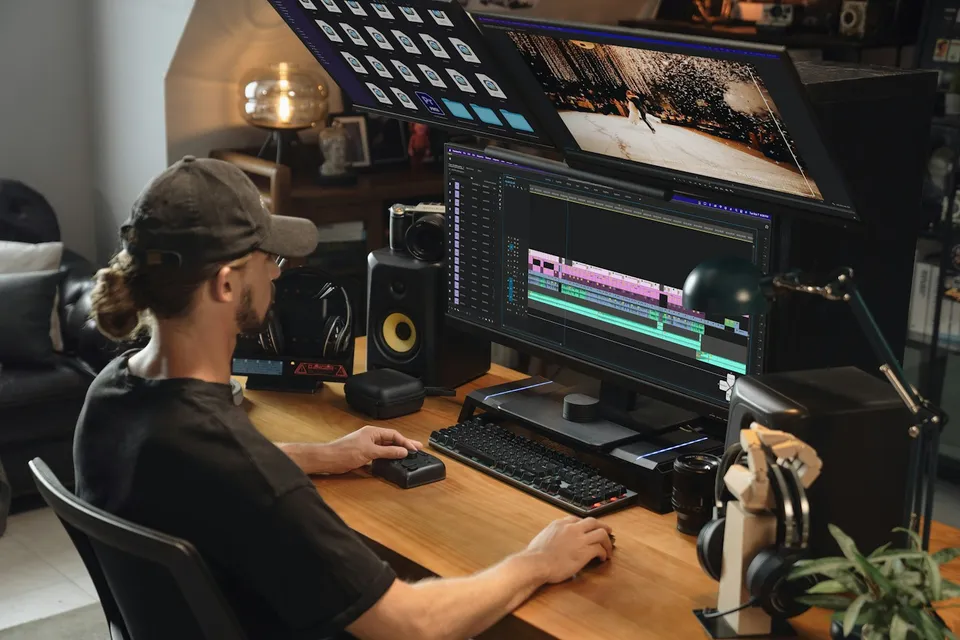
Rig responsive After Effects Essential Graphics templates using sourceRectAtTime() auto-sizing boxes and clean Premiere Pro controls for bilingual EN/FA editing teams.
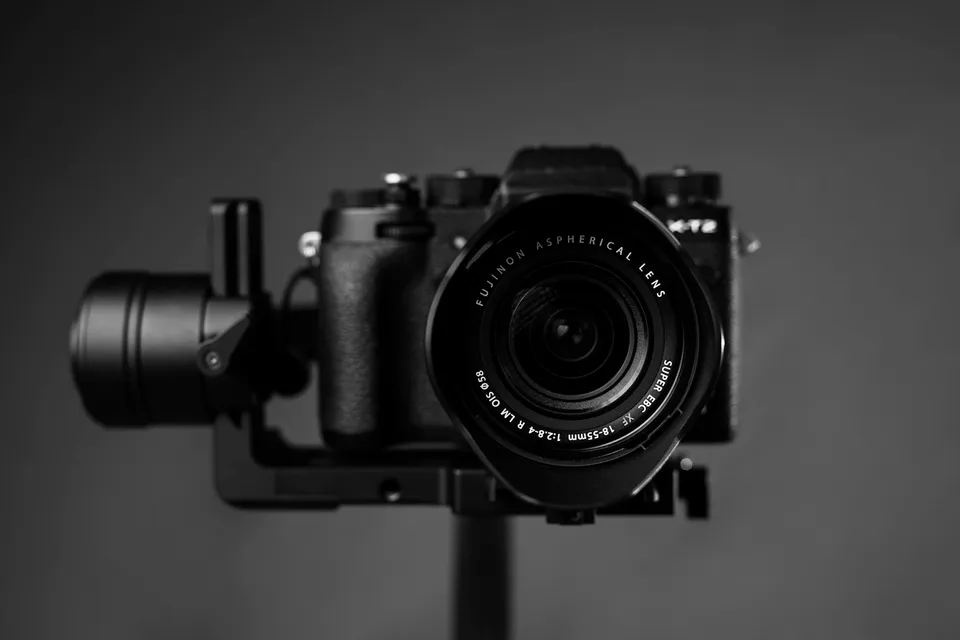
Unify mixed Canon, Sony, DJI drone, and iPhone clips on one timeline through shared color-space normalization, side-by-side scope matching, green/magenta skin balance, and matched optical texture.