Clean Catalog & Folder Architecture
Structure date-and-client RAW directories across working SSDs and archive drives so your Lightroom Classic catalog stays lean, searchable, and free of broken links.
Turn overwhelming portrait, event, and commercial RAW shoots into a structured Lightroom Classic pipeline: clean catalogs, lag-free Smart Previews, two-pass culling, and batch AI mask syncing.
Post-shoot fatigue hits photographers hardest when a single portrait or event gallery stretches across nights of spinning loading indicators, missing-folder exclamation marks, indecisive star-rating loops, and editing every frame from scratch. In this course, we organize sustainable catalog and SSD folder hygiene, configure Camera Raw cache and Smart Previews for instant browsing, practice disciplined two-pass flag/star selection, batch-sync adaptive AI masks across changing poses, and build color-safe export presets.
Start with a free online intro consultation for this course: we review the syllabus together, clarify how many sessions you need based on your goals and pace, and decide whether continuing Online ($69 CAD/hr) or In-Person ($99 CAD/hr) suits you best.
Prefer just the written framework instead of live sessions? A standalone $39 CAD PDF guide option can also be requested for this course: select the PDF option below.
Prefer done-for-you commercial filming, kinetic typography, and color grading for your brand? View our Video Production Studio, Client Portfolio, and recent edits on @tehranto.plus on Instagram.

Every learner starts from a different background. These are the core capabilities this course develops, paced to your goals across the sessions we plan together.
Structure date-and-client RAW directories across working SSDs and archive drives so your Lightroom Classic catalog stays lean, searchable, and free of broken links.
Tune GPU acceleration, Camera Raw cache allocation, and preview generation on ingest so high-megapixel RAW files flip instantaneously during culling and Develop work.
Separate emotional hero selection from duplicate blink elimination using Auto-Advance flags on Pass 1 and side-by-side Survey (`N`) / Compare (`C`) filtering on Pass 2.
Anchor gallery consistency via Reference View (`Shift+R`), copy recalculated AI Subject/Background/Skin masks across sets, and batch-export sRGB web plus print masters.
Below are the main concepts and topics covered in this course. In your Free Online Intro Session, we align the exact depth and number of sessions to your experience and goals.
Configuring Lightroom Classic preferences, cache directories, and import presets so large RAW galleries open and scrub without hardware lag.
Replacing endless back-and-forth scrolling with a clear two-pass selection rhythm that isolates sharp, expressive frames out of burst sequences.
Maintaining cohesive skin tones and white balance across shifting daylight or indoor tungsten rooms while applying local subject/background shaping across sets.
Finishing galleries cleanly inside Lightroom Classic and exporting sharp, color-accurate client folders for social media, online galleries, and archival print.
Core practical benchmarks and standards covered as part of this course's curriculum.
| Workflow Stage | Common Backlog Trap | Structured Method Taught | Studio Outcome |
|---|---|---|---|
| Ingest & Previews | Waiting on blurry loading spinners for every 45MP RAW frame | Tuned NVMe cache with Embedded + Smart Preview ingest preset | Instant frame-to-frame browsing even when drives disconnect |
| Gallery Culling | Debating 2 vs 3 stars and editing near-identical duplicates | Two-pass Auto-Advance Pick flags refined in Survey (`N`) view | Tight, expressive final galleries with zero duplicate clutter |
| Color & Local Masks | Manually brushing faces and guessing white balance per photo | Reference View (`Shift+R`) anchor paired with AI Mask batch sync | Cohesive skin tones and lighting across the whole event or shoot |
| Export & Archive | Exporting Adobe RGB to social media and losing catalog links | Dual sRGB/Print batch presets and clean annual SSD-to-archive tree | True-to-screen client delivery and reliable long-term catalog |
Choose a time for your Free Online Intro Session to map out your course path, or book an Online ($69/hr) or In-Person ($99/hr) session directly, or request the $39 CAD PDF guide option.
When Camera Raw cache, GPU acceleration, and Embedded Previews are configured properly on an SSD, modern Lightroom Classic handles portrait, commercial, and event shoots briskly on its own. In your Free Online Intro Session, we assess your typical shoot volume and hardware, and we also cover when Photo Mechanic adds value for multi-thousand-frame sports or weddings.
Every course begins with a Free Online Introductory Session where we review the core syllabus together, evaluate your current background and goals, and map out how many sessions you actually need and whether continuing Online ($69 CAD/hr) or In-Person ($99 CAD/hr) suits you best. Session count is never a rigid one-size-fits-all number; it adapts to your own level and pace.
There is zero upfront package commitment: live sessions are booked flexibly session-by-session ($69 CAD/hr online or $99 CAD/hr in-person). If you prefer a self-paced written guide instead of live coaching, a standalone $39 CAD PDF option can also be requested for this topic.
Your choice: every session with Iman Adlkhah can be conducted 100% in English, 100% in Persian (Farsi), or naturally bilingual with industry terminology.
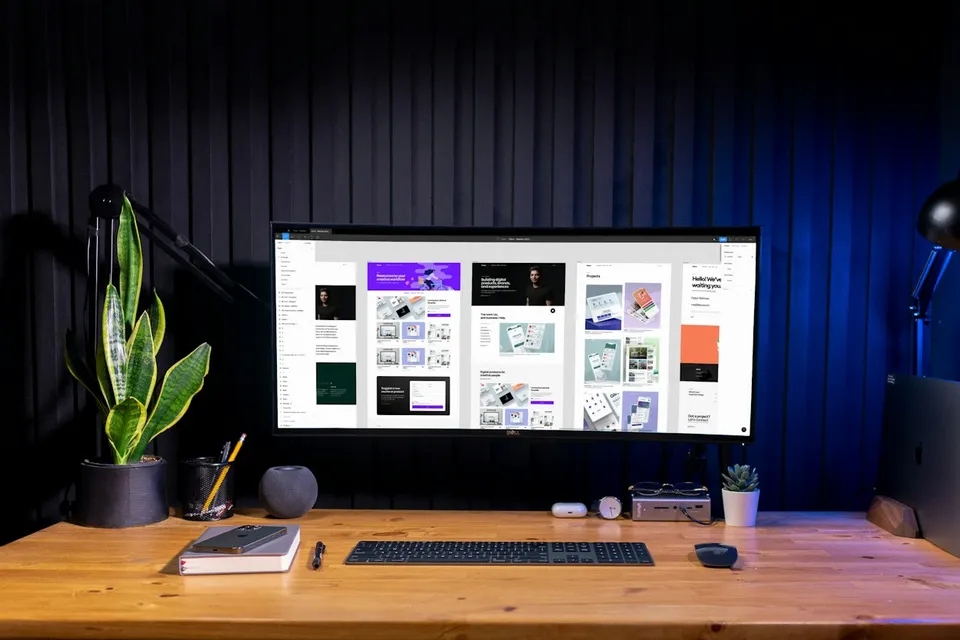
Design mobile-legible YouTube thumbnails in Photoshop built on title-plus-image curiosity, three-element composition, and natural subject relighting.
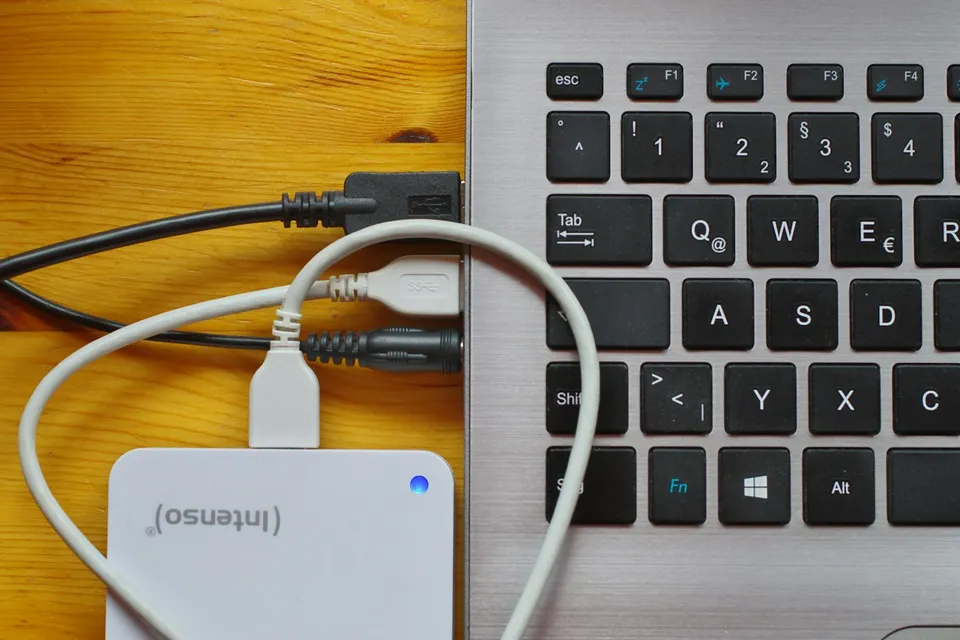
Build a reliable shoot-to-archive media pipeline: structured project folders, NVMe scratch-disk tiers, mixed-frame-rate proxies, and verified 3-2-1 backups.
Combine ambient luminosity frames with directional flash exposures in Photoshop for neutral walls, believable window views, crisp verticals, and distraction-free interiors.