Spoken Rhythm Spotting & Phrase Lockups
Mark vocal emphasis beats on the waveform and compose complete two-to-five-word thoughts with clear weight contrast instead of frantic word-by-word flashes.
Replace noisy word-by-word auto-captions with deliberate After Effects phrase lockups, Bezier speed-graph easing, Difference blend accents, and crisp Persian/English typography.
Auto-generated single-word captions bounce across every social feed with the same mechanical rhythm, tiring viewers out instead of clarifying the speaker's message. Editorial kinetic typography works differently: you listen for vocal cadence, group complete spoken ideas into balanced multi-line lockups, shape velocity curves in the Speed Graph, add restrained 3D camera depth, and set clean Right-to-Left Persian alongside geometric English.
Start with a free online intro consultation for this course: we review the syllabus together, clarify how many sessions you need based on your goals and pace, and decide whether continuing Online ($69 CAD/hr) or In-Person ($99 CAD/hr) suits you best.
Prefer done-for-you commercial filming, kinetic typography, and color grading for your brand? View our Video Production Studio, Client Portfolio, and recent edits on @tehranto.plus on Instagram.
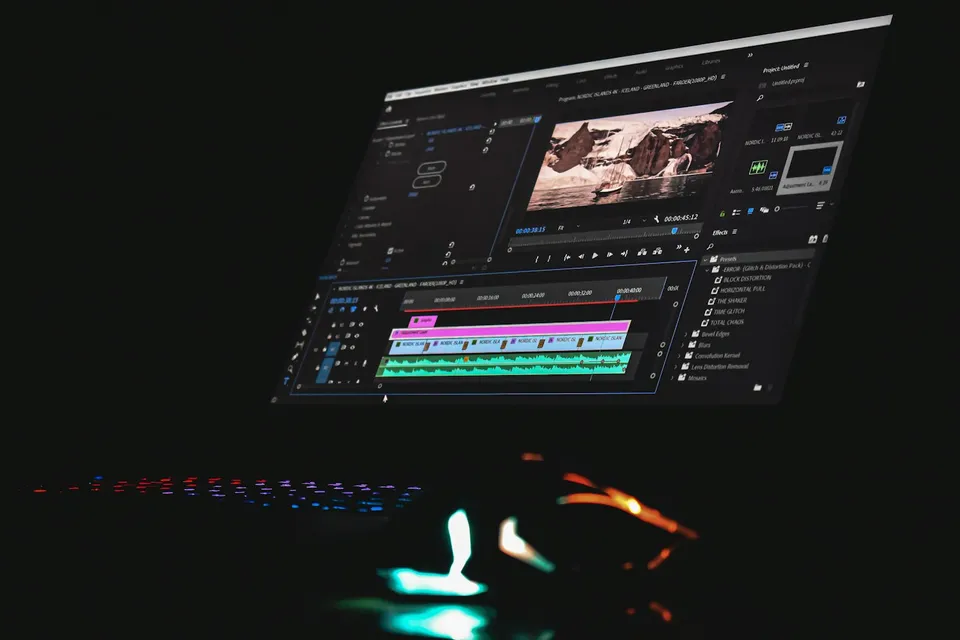
Every learner starts from a different background. These are the core capabilities this course develops, paced to your goals across the sessions we plan together.
Mark vocal emphasis beats on the waveform and compose complete two-to-five-word thoughts with clear weight contrast instead of frantic word-by-word flashes.
Shape incoming and outgoing velocity handles in the Graph Editor so typography enters briskly on the syllable and settles smoothly without stiff linear stops.
Use selective Difference blend modes, matte-mask reveals, and parented 3D camera nulls to create spatial transitions while keeping the speaker's face clear.
Set up After Effects' Middle Eastern text engine, proper Persian digits and punctuation, and balanced pairings of Doran, Shabnam, or Anjoman with Montserrat.
Below are the main concepts and topics covered in this course. In your Free Online Intro Session, we align the exact depth and number of sessions to your experience and goals.
Deciding which spoken phrases deserve typographic emphasis and mapping clean vertical grids that never collide with Instagram, TikTok, or Shorts UI overlays.
Configuring After Effects so Persian script renders without detached letters or reversed punctuation while maintaining crisp editorial hierarchy across weights.
Animating clean per-line and per-word reveals using native Text Animators, track mattes, Bezier velocity curves, and realistic 180-degree shutter motion blur.
Adding spatial continuity across consecutive lines with 3D camera nulls, luminous Difference inversion boxes, and custom animation presets for Premiere handoff.
Core practical benchmarks and standards covered as part of this course's curriculum.
| Craft Layer | Template-Level Habit | Editorial AE Approach | On-Screen Result |
|---|---|---|---|
| Phrase Grouping | Flashing every spoken word one by one at center screen | Curated 2–5 word phrase lockups timed to vocal emphasis | Calm editorial authority that clarifies key ideas |
| Motion & Easing | Linear keyframes or bouncy elastic cartoon presets | Custom Speed Graph Bezier deceleration with 180° shutter blur | Crisp arrival on the syllable with smooth visual rest |
| Bilingual Typography | Detached Persian letters, four clashing fonts, heavy drop shadows | Configured RTL engine pairing Doran/Anjoman/Shabnam & Montserrat | Clean print-magazine legibility across both scripts |
| Spatial Integration | Flat stickers covering the speaker's mouth or app icons | 9:16 safe-margin grids, Difference accents, and 3D Null depth | Typography feels woven into the cinematography |
Choose a time for your Free Online Intro Session to map out your course path, or book an Online ($69/hr) or In-Person ($99/hr) session directly.
Yes. After Effects looks overwhelming only when you stare at hundreds of VFX menus you never need for dialogue typography. Starting from your Free Online Intro Session, we match the pace to your current level and focus strictly on the timeline, text engine, masks, Speed Graph, and 3D camera tools used in real vertical edits.
Every course begins with a Free Online Introductory Session where we review the core syllabus together, evaluate your current background and goals, and map out how many sessions you actually need and whether continuing Online ($69 CAD/hr) or In-Person ($99 CAD/hr) suits you best. Session count is never a rigid one-size-fits-all number; it adapts to your own level and pace.
Never. There is zero upfront package commitment: once your free online intro session maps out your path, any coaching sessions you choose ($69 CAD/hr online or $99 CAD/hr in-person) are scheduled flexibly session-by-session at your own pace.
Your choice: every session with Iman Adlkhah can be conducted 100% in English, 100% in Persian (Farsi), or naturally bilingual with industry terminology.
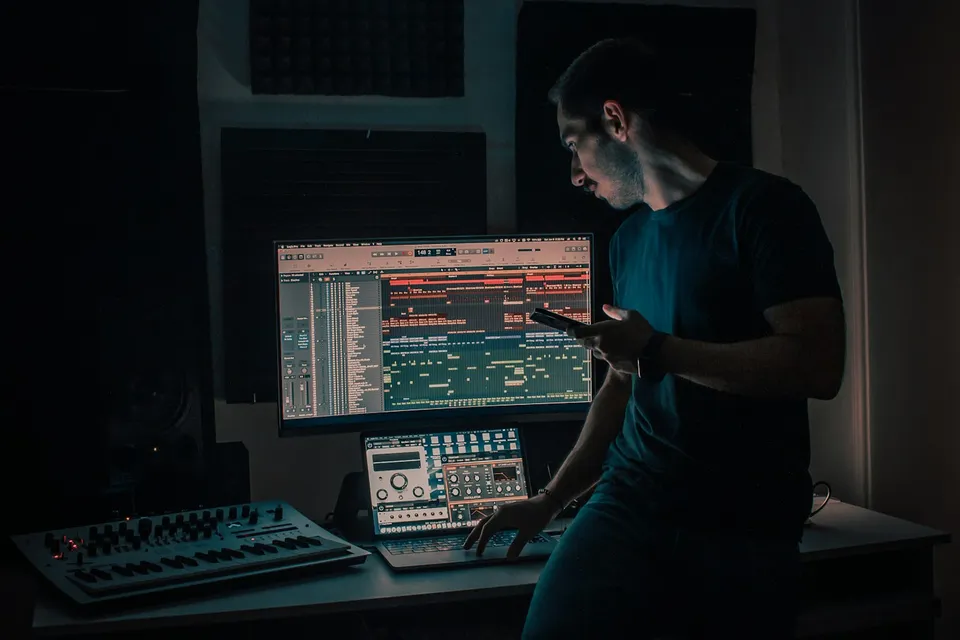
Place bold headlines and floating data cards cleanly behind moving speakers using disciplined three-layer compositing, clean hair edges, and optical depth matching.
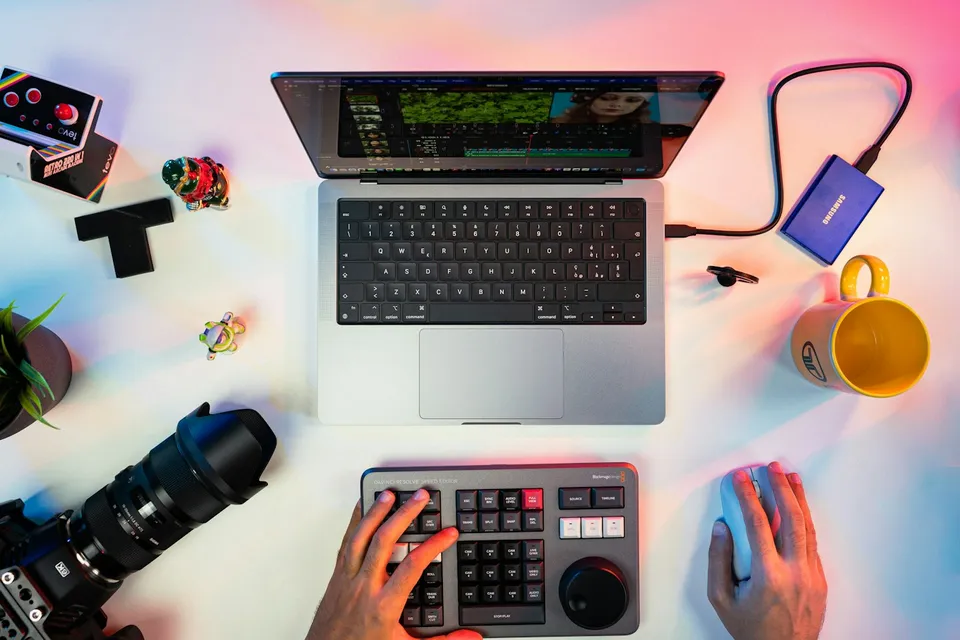
Strip away tacky default stickers and bounce templates: edit crisp, agency-clean vertical videos in CapCut Desktop and Mobile with J/L overlaps, custom brand fonts, and high-clarity exports.
Turn overwhelming portrait, event, and commercial RAW shoots into a structured Lightroom Classic pipeline: clean catalogs, lag-free Smart Previews, two-pass culling, and batch AI mask syncing.