Ambient Luminosity + Flash Color Blending
Combine the natural directional shadow structure of an ambient exposure with the true material colors of flash frames using Luminosity and Color blend modes.
Combine ambient luminosity frames with directional flash exposures in Photoshop for neutral walls, believable window views, crisp verticals, and distraction-free interiors.
One-click HDR merges betray interior photography right away: ceilings turn murky grey, exterior windows look pasted-in and darker than the room walls, and mixed tungsten bulbs stain white cabinetry orange while daylight turns hardwood floors cyan. In this course, we practice synchronized Camera Raw perspective geometry, hand-brushed ambient-plus-flash ('flambient') compositing, color-cast neutralization, natural window pulls, and clean architectural retouching.
Start with a free online intro consultation for this course: we review the syllabus together, clarify how many sessions you need based on your goals and pace, and decide whether continuing Online ($69 CAD/hr) or In-Person ($99 CAD/hr) suits you best.
Prefer done-for-you commercial filming, kinetic typography, and color grading for your brand? View our Video Production Studio, Client Portfolio, and recent edits on @tehranto.plus on Instagram.
Every learner starts from a different background. These are the core capabilities this course develops, paced to your goals across the sessions we plan together.
Combine the natural directional shadow structure of an ambient exposure with the true material colors of flash frames using Luminosity and Color blend modes.
Clear mixed warm lamp casts and cool skylight reflections off white ceilings, moldings, and marble without bleaching surfaces into flat paper.
Use Darken mode and refined luminosity masks to hold exterior greenery and city views at airy, realistic brightness instead of murky grey paste-ins.
Lock plumb vertical lines across every bracketed frame before compositing, then remove cords, vents, outlets, and floor glare without smudging textures.
Below are the main concepts and topics covered in this course. In your Free Online Intro Session, we align the exact depth and number of sessions to your experience and goals.
Establishing identical optical corrections, tonal headroom, and plumb architectural geometry across all bracketed exposures before opening layers in Photoshop.
Blending ambient and flash frames with controlled low-flow masking so interiors feel bright, dimensional, and faithful to the designer's real materials.
Solving mixed interior lighting color pollution and integrating crisp window views around delicate mullions, sheer curtains, and glass railings.
Removing visual clutter across patterned surfaces, placing realistic screen/hearth details when requested, and exporting sharp print and web deliverables.
Core practical benchmarks and standards covered as part of this course's curriculum.
| Retouching Stage | Automated HDR Flaw | Hand-Crafted Method Taught | Architectural Result |
|---|---|---|---|
| Perspective Geometry | Keystoning verticals where walls lean inward or outward | Synchronized Guided Upright alignment across all bracket plates | Composed, structurally sound architectural proportions |
| Tonal & Flash Balance | Flat midtones and muddy grey ceilings with zero directional depth | Luminosity/Color flambient blending with gentle brush flow | Dimensional room light paired with true material colors |
| Windows & Color Casts | Dark radioactive windows and orange/blue stains on white paint | Airy Darken-luma window pulls and Color-mode cast cleanup | Clean white surfaces and believable daylight continuity |
| Surface & Detail Cleanup | Tangled cords, alarm panels, and smudged AI-erased drywall | Texture-matched Clone Stamp + smart removal and glare control | Distraction-free portfolio frames worthy of design clients |
Choose a time for your Free Online Intro Session to map out your course path, or book an Online ($69/hr) or In-Person ($99/hr) session directly.
Yes, working on your own bracketed RAW sets is the best way to see every decision clearly. In your Free Online Intro Session, we look at your current shooting method (ambient brackets, single-strobe flambient, or multi-light setups) and plan the exact sessions needed around your real interior files.
Every course begins with a Free Online Introductory Session where we review the core syllabus together, evaluate your current background and goals, and map out how many sessions you actually need and whether continuing Online ($69 CAD/hr) or In-Person ($99 CAD/hr) suits you best. Session count is never a rigid one-size-fits-all number; it adapts to your own level and pace.
Never. There is zero upfront package commitment: once your free online intro session maps out your path, any coaching sessions you choose ($69 CAD/hr online or $99 CAD/hr in-person) are scheduled flexibly session-by-session at your own pace.
Your choice: every session with Iman Adlkhah can be conducted 100% in English, 100% in Persian (Farsi), or naturally bilingual with industry terminology.
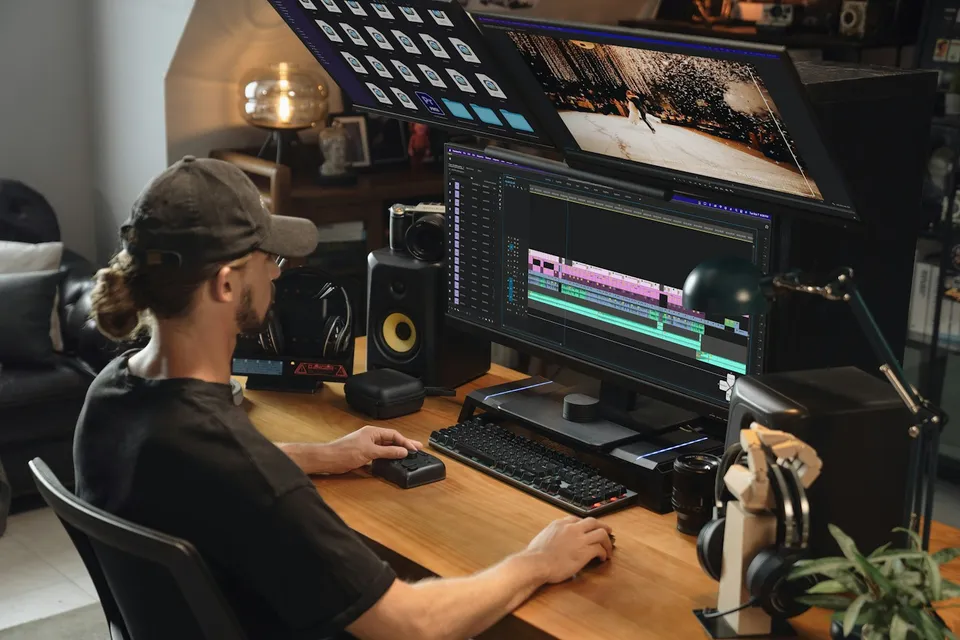
Rig responsive After Effects Essential Graphics templates using sourceRectAtTime() auto-sizing boxes and clean Premiere Pro controls for bilingual EN/FA editing teams.
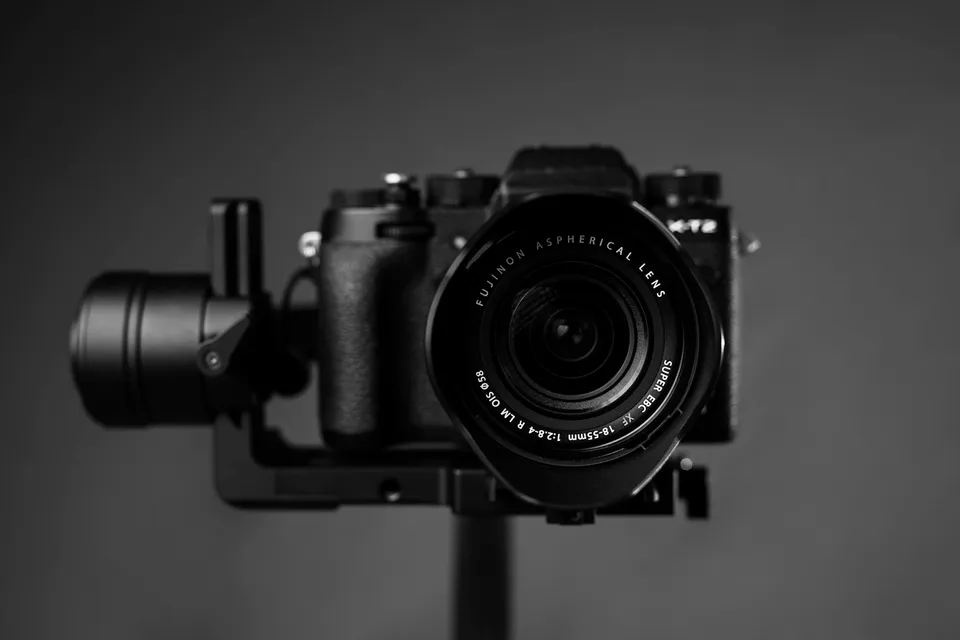
Unify mixed Canon, Sony, DJI drone, and iPhone clips on one timeline through shared color-space normalization, side-by-side scope matching, green/magenta skin balance, and matched optical texture.
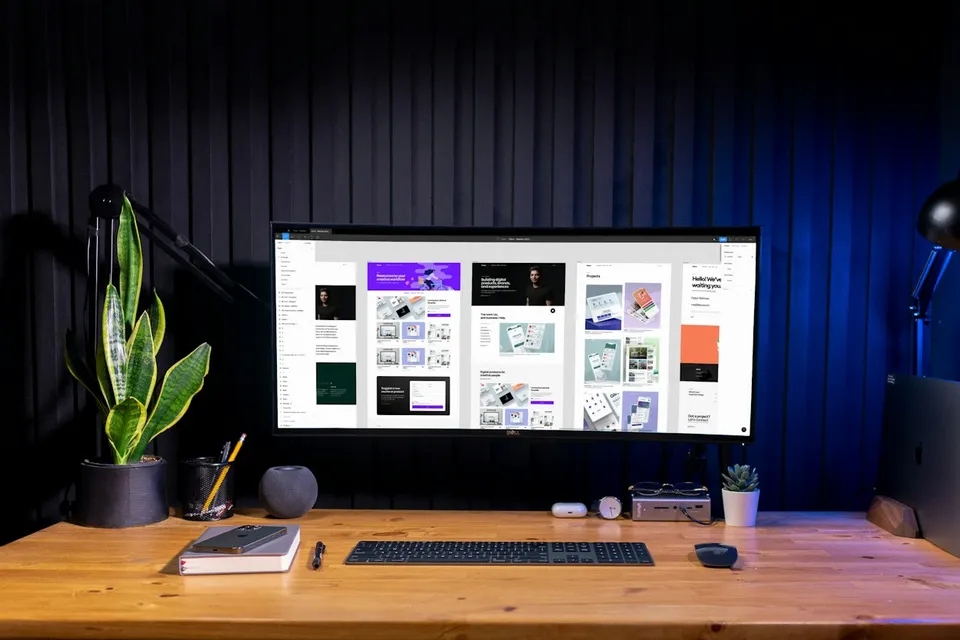
Design mobile-legible YouTube thumbnails in Photoshop built on title-plus-image curiosity, three-element composition, and natural subject relighting.