Consistent Shoot-Day Folder Taxonomy
Use one repeatable folder hierarchy across camera cards, audio recorders, graphics, project files, and client exports so any edit opens cleanly months later.
Build a reliable shoot-to-archive media pipeline: structured project folders, NVMe scratch-disk tiers, mixed-frame-rate proxies, and verified 3-2-1 backups.
Stuttering timelines and dreaded 'Media Offline' warnings rarely mean you need a pricier computer; they almost always come from decoding compressed 10-bit H.265 codecs off bottlenecked drives, mixing frame rates in messy folders, or letting hidden render caches choke your system disk. This course establishes studio-grade ingest verification, NVMe working tiers, smooth proxy linking in Premiere Pro and DaVinci Resolve, and disciplined local-plus-cloud backup.
Start with a free online intro consultation for this course: we review the syllabus together, clarify how many sessions you need based on your goals and pace, and decide whether continuing Online ($69 CAD/hr) or In-Person ($99 CAD/hr) suits you best.
Prefer just the written framework instead of live sessions? A standalone $39 CAD PDF guide option can also be requested for this course: select the PDF option below.
Prefer done-for-you commercial filming, kinetic typography, and color grading for your brand? View our Video Production Studio, Client Portfolio, and recent edits on @tehranto.plus on Instagram.
Every learner starts from a different background. These are the core capabilities this course develops, paced to your goals across the sessions we plan together.
Use one repeatable folder hierarchy across camera cards, audio recorders, graphics, project files, and client exports so any edit opens cleanly months later.
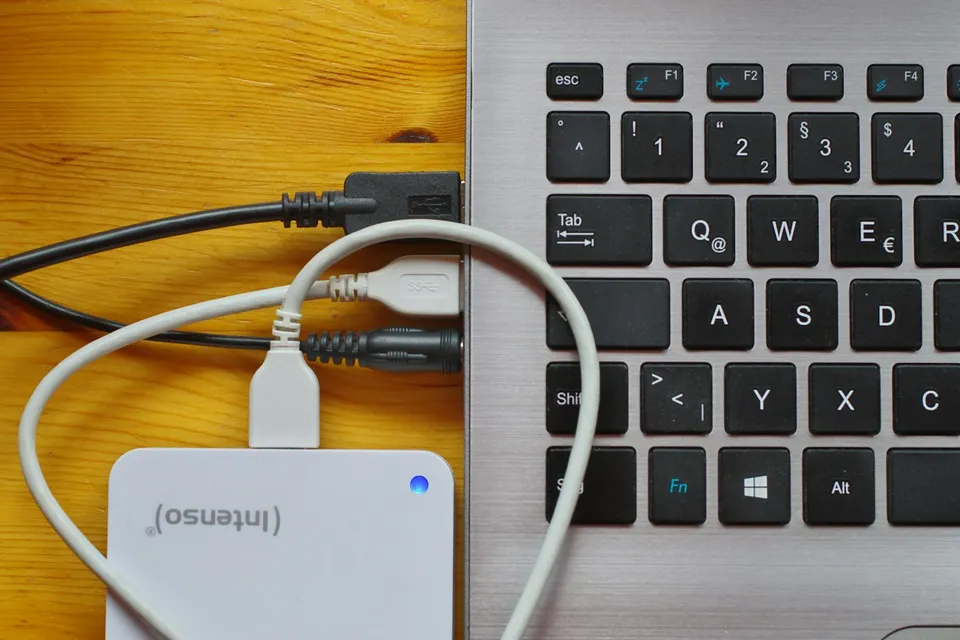
Separate your operating system drive, high-bandwidth NVMe active-edit SSDs, media cache paths, and high-capacity archival drives without cable bottlenecks.
Generate and toggle lightweight ProRes Proxy or H.264 proxies in Premiere Pro and DaVinci Resolve without squished 9:16 frames or slow-motion sync bugs.
Verify card transfers via checksums before formatting media and maintain three copies across two local media types plus one automated cloud archive.
Below are the main concepts and topics covered in this course. In your Free Online Intro Session, we align the exact depth and number of sessions to your experience and goals.
Preventing lost clips and duplicate file-name collisions (such as C0001.MP4 across multiple cameras) right at the moment media leaves the camera card.
Auditing your computer's internal storage, external USB-C / Thunderbolt buses, and NLE scratch directories so hardware runs at its rated throughput.
Configuring lightweight ProRes Proxy and H.264 proxy workflows that cut effortlessly on laptops and automatically relink to full camera originals on export.
Protecting active client shoots against drive failure or theft while reclaiming working SSD space cleanly once final deliverables are approved.
Core practical benchmarks and standards covered as part of this course's curriculum.
| Pipeline Layer | Common Workflow Failure | Principled Studio Setup | Operational Payoff |
|---|---|---|---|
| Card Offload & Naming | Untested drag-and-drop into desktop 'New Folder' chaos | Checksum-verified dual copy into standardized date/camera bins | Zero corrupted clips or overwritten C0001 camera files |
| Active Editing Drive | Editing 4K H.265 off a nearly full OS disk or USB 2.0 cable | Dedicated 10Gbps+ NVMe scratch SSD with isolated cache directory | Responsive timeline scrubbing and healthy system headroom |
| Proxy Playback Pipeline | Stretched vertical proxies or mismatched audio channel errors | Aspect-matched ProRes Proxy presets handling mixed frame rates | Smooth laptop cutting on multi-layer 4K 10-bit sequences |
| Backup & Wrap Archive | Single external drive point of failure and terabytes of dead cache | 3-2-1 local + cloud redundancy followed by post-wrap cache purge | Protected client assets and reclaimed NVMe space every month |
Choose a time for your Free Online Intro Session to map out your course path, or book an Online ($69/hr) or In-Person ($99/hr) session directly, or request the $39 CAD PDF guide option.
Yes. In your Free Online Intro Session, we check what editing software, camera codecs, and storage drives you currently use, then tailor our hands-on or online sessions to clean up hidden cache bloat, test your drive speeds, and build your permanent proxy and backup setup right on your machine.
Every course begins with a Free Online Introductory Session where we review the core syllabus together, evaluate your current background and goals, and map out how many sessions you actually need and whether continuing Online ($69 CAD/hr) or In-Person ($99 CAD/hr) suits you best. Session count is never a rigid one-size-fits-all number; it adapts to your own level and pace.
There is zero upfront package commitment: live sessions are booked flexibly session-by-session ($69 CAD/hr online or $99 CAD/hr in-person). If you prefer a self-paced written guide instead of live coaching, a standalone $39 CAD PDF option can also be requested for this topic.
Your choice: every session with Iman Adlkhah can be conducted 100% in English, 100% in Persian (Farsi), or naturally bilingual with industry terminology.
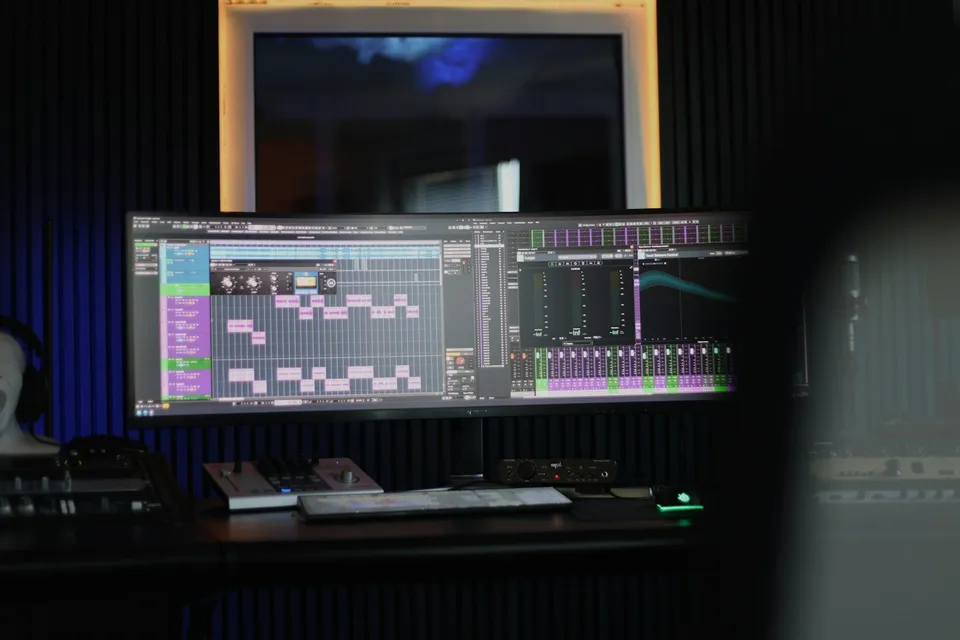
Edit engaging single-camera YouTube episodes in Premiere Pro using natural breath-paced ripple cuts, upper-third eyeline punch-ins, 180-degree Transform motion, and visual chapter resets.
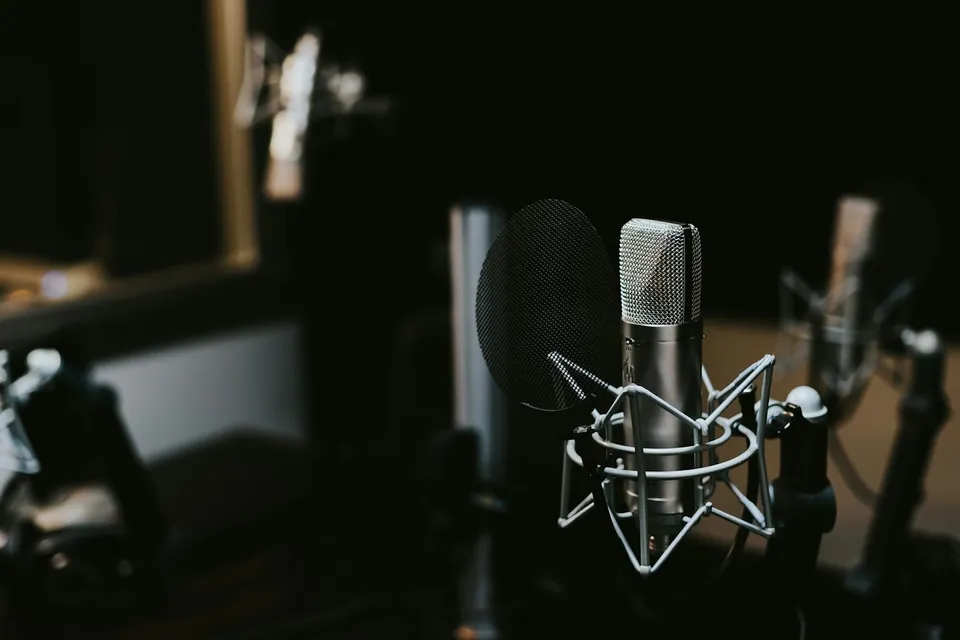
Rescue echoey room dialogue, outdoor wind rumble, HVAC hum, and lavalier rustle using spectral diagnosis and staged processing without robotic underwater artifacts.
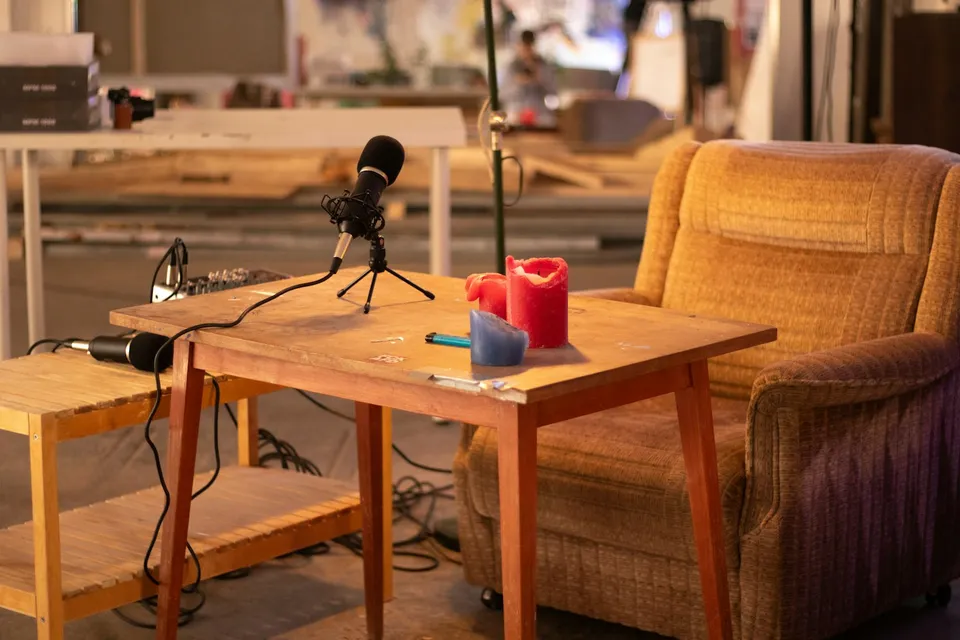
Build a sustainable multi-camera podcast post-production pipeline: accurate waveform/timecode sync, clean multitrack bleed control, motivated reaction cutting, and standalone vertical clip extraction.