Controlled 16-Bit Frequency Separation
Separate fine pore texture from underlying color and tonal transitions with accurate blur-radius selection so skin never looks blurred or plastic.
Retouch executive headshots, beauty frames, and editorial portraits non-destructively in Photoshop while keeping real skin texture and consistent color.
One-click skin-smoothing filters flatten facial structure and blur pores into waxy plastic, immediately undermining high-end headshots and commercial campaigns. Professional portrait retouching separates texture from tone and color: starting with balanced 16-bit RAW preparation, isolating blemishes cleanly, evening patchy luminosity transitions with subtle Curves Dodge and Burn, unifying redness across face, ears, and neck, and exporting color-accurate files.
Start with a free online intro consultation for this course: we review the syllabus together, clarify how many sessions you need based on your goals and pace, and decide whether continuing Online ($69 CAD/hr) or In-Person ($99 CAD/hr) suits you best.
Prefer just the written framework instead of live sessions? A standalone $39 CAD PDF guide option can also be requested for this course: select the PDF option below.
Need on-location photography for your team, brand, or listing in Toronto & GTA? Explore our Toronto Photography Services, configure a shoot on Book Online, or see recent shoots on @tehranto.plus on Instagram.
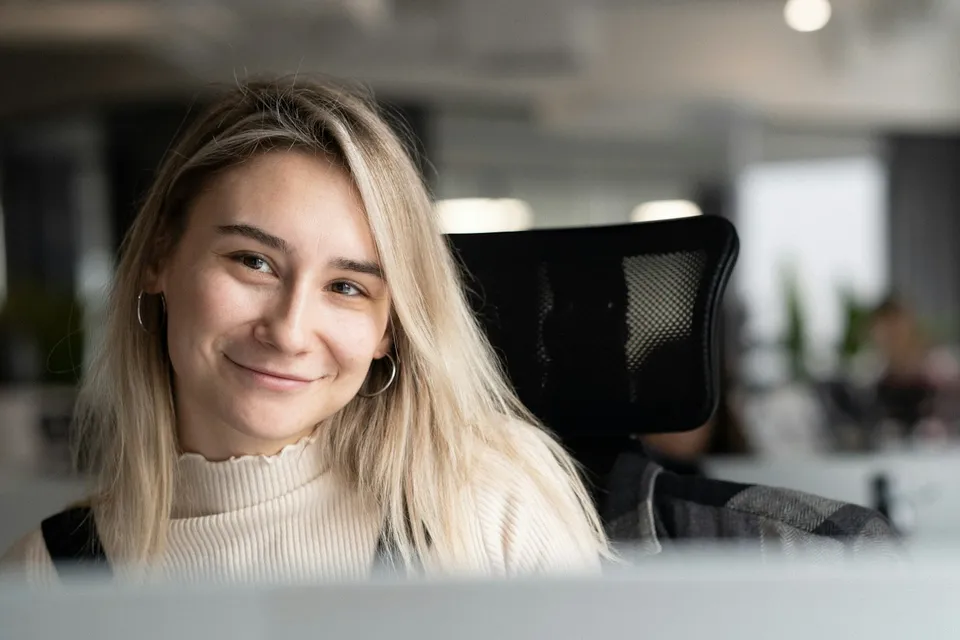
Every learner starts from a different background. These are the core capabilities this course develops, paced to your goals across the sessions we plan together.
Separate fine pore texture from underlying color and tonal transitions with accurate blur-radius selection so skin never looks blurred or plastic.
Smooth uneven cheekbone shadows, under-eye fatigue, and nasal folds delicately using luminosity-masked Curves layers at low brush flow.
Neutralize localized magenta redness, yellow casts, or makeup mismatches so skin reads evenly from forehead to collar.
Clean stray flyaway hairs, lint, and studio paper backdrop creases without banding, and embed proper sRGB profiles for consistent screen display.
Below are the main concepts and topics covered in this course. In your Free Online Intro Session, we align the exact depth and number of sessions to your experience and goals.
Building a clean 16-bit foundation before touching a healing brush so your Photoshop file stays organized, editable, and color-true.
Understanding when and how to use Frequency Separation responsibly, choosing the right pixel radius for each portrait's focal distance.
Sculpting natural three-dimensional facial transitions and harmonizing uneven skin hues across every visible area.
Finishing the portrait with restrained detail work, clean studio paper gradients, and reliable sharpening and export settings.
Core practical benchmarks and standards covered as part of this course's curriculum.
| Retouching Layer | Over-Retouched Amateur Look | Studio Non-Destructive Method | Final Visual Standard |
|---|---|---|---|
| Skin Pore Texture | Heavy Gaussian blur or AI smoothing erasing skin structure | 16-bit separation + low-flow Dodge & Burn keeping pores intact | Believable texture even at 100% zoom |
| Under-Eye & Smile Lines | Cloning out natural anatomical folds completely so the face looks uncanny | Softening harsh shadow contrast by 30% to 50% via Curves Luminosity | Well-rested expression that still looks like them |
| Skin Color Consistency | Desaturating redness into grey patches or ignoring neck mismatch | Targeted Hue/Saturation and sampled color balance in Luminosity/Color modes | Unified, healthy skin tone from head to shoulder |
| Eyes, Teeth & Export | Blinding blue-white sclera/teeth and dull color shifts on mobile upload | Subtle natural brightening + embedded sRGB profile export | Editorial polish with reliable cross-device color |
Choose a time for your Free Online Intro Session to map out your course path, or book an Online ($69/hr) or In-Person ($99/hr) session directly, or request the $39 CAD PDF guide option.
You can start comfortably with a standard mouse or MacBook trackpad. We configure low brush-flow settings (2% to 3%) that build transitions gradually without needing pen-pressure hardware, and if you later decide to add a tablet for high-volume work, we show you how to set up pressure curves cleanly.
Every course begins with a Free Online Introductory Session where we review the core syllabus together, evaluate your current background and goals, and map out how many sessions you actually need and whether continuing Online ($69 CAD/hr) or In-Person ($99 CAD/hr) suits you best. Session count is never a rigid one-size-fits-all number; it adapts to your own level and pace.
There is zero upfront package commitment: live sessions are booked flexibly session-by-session ($69 CAD/hr online or $99 CAD/hr in-person). If you prefer a self-paced written guide instead of live coaching, a standalone $39 CAD PDF option can also be requested for this topic.
Your choice: every session with Iman Adlkhah can be conducted 100% in English, 100% in Persian (Farsi), or naturally bilingual with industry terminology.
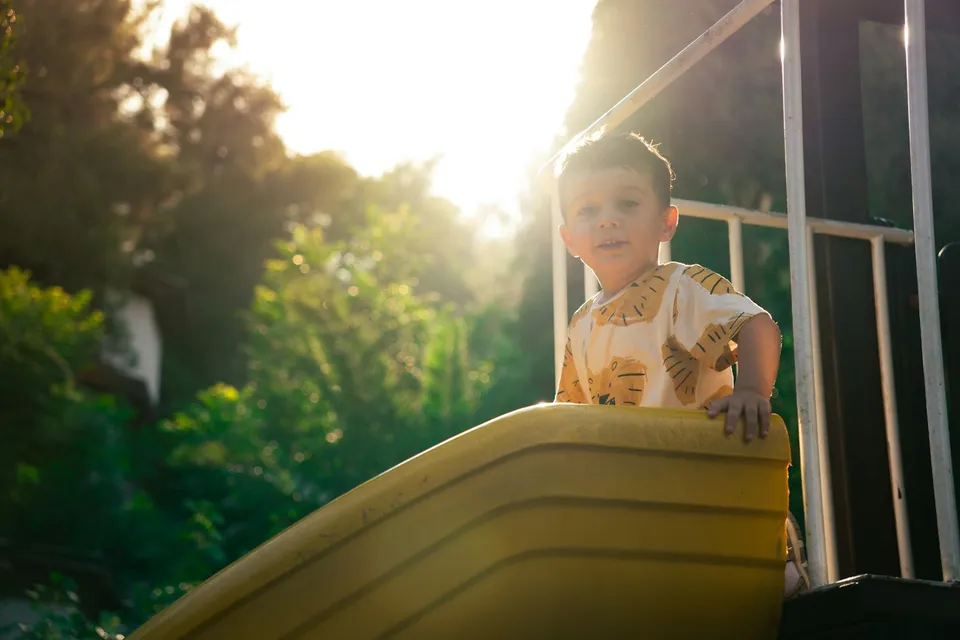
Lead calm, child-paced family shoots combining gentle window lighting for infants, fast-shutter continuous eye-tracking for active kids, and play-based direction.
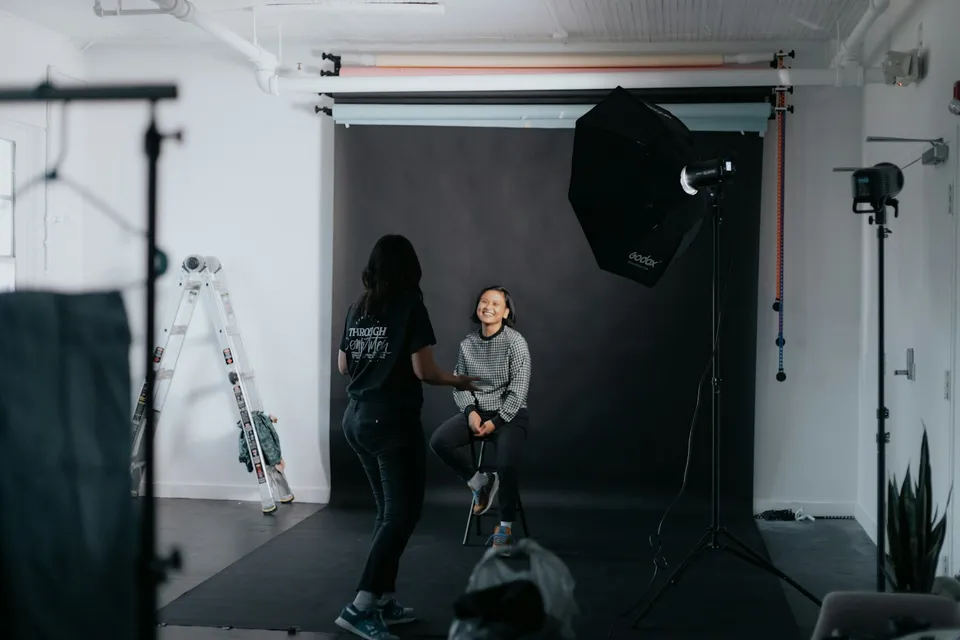
Build a reliable tethered studio pipeline with physical USB-C port protection, structured project folders, live layout overlays, and calm on-set client selection.
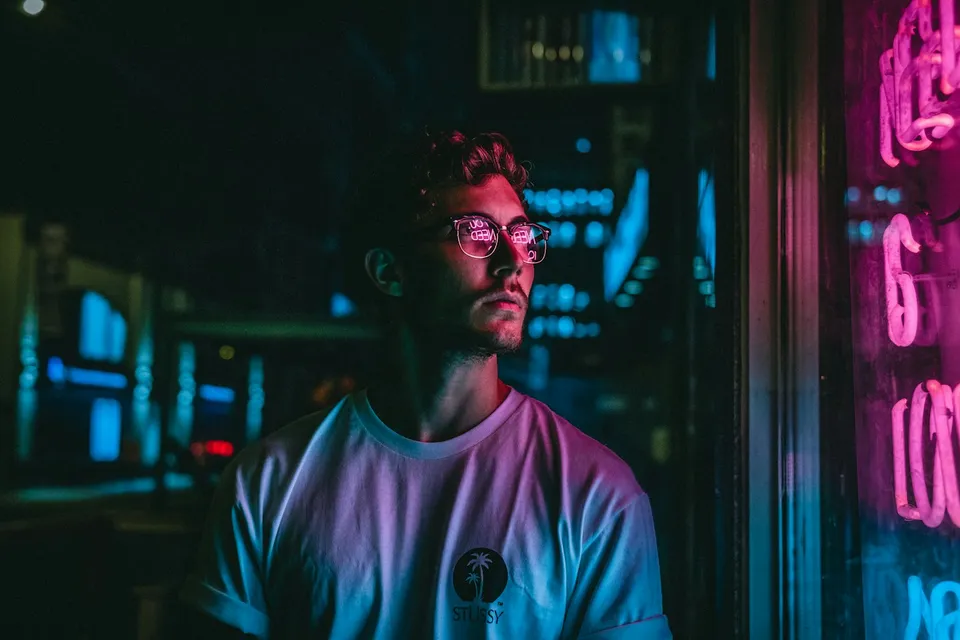
Apply complementary and analogous color harmony, protect clean skin tones, isolate colored beams with grids and flags, and prevent RGB sensor channel clipping.